SuperConstruct — AI construction management software logo

Features

  • AI Assistant
  • Manage Schedule of Values (SOV)
  • Construction Change Order Tracking
  • Daily Logs
  • Request for Information
  • Document Management
  • Inspections
  • Submittals
  • Message Boards
  • User Management
  • Project Dashboards
  • Pay Applications & Reports

New Features

  • Scheduling
  • To-Do
  • Calendar
  • Messaging & Chat
  • Expense Management
  • Pay App Compliance

Company

  • Blogs
  • Privacy-Policy
  • Book a Demo
  • Careers
  • Become a Partner

Integrations

  • Procore
  • QuickBooks
  • ChatGPT

Location

Texas, USA

Customer Support

+1(254)-253-2522
sales@superconstruct.io

Download on the App StoreGet it on Google Play

Change Orders

Manage SOV Changes with Ease

Easily request and manage SOV changes with auto-generated Change Orders with integrated digital signature capabilities.

Start free trial →Request a demo
Change Orders Banner

Change Orders

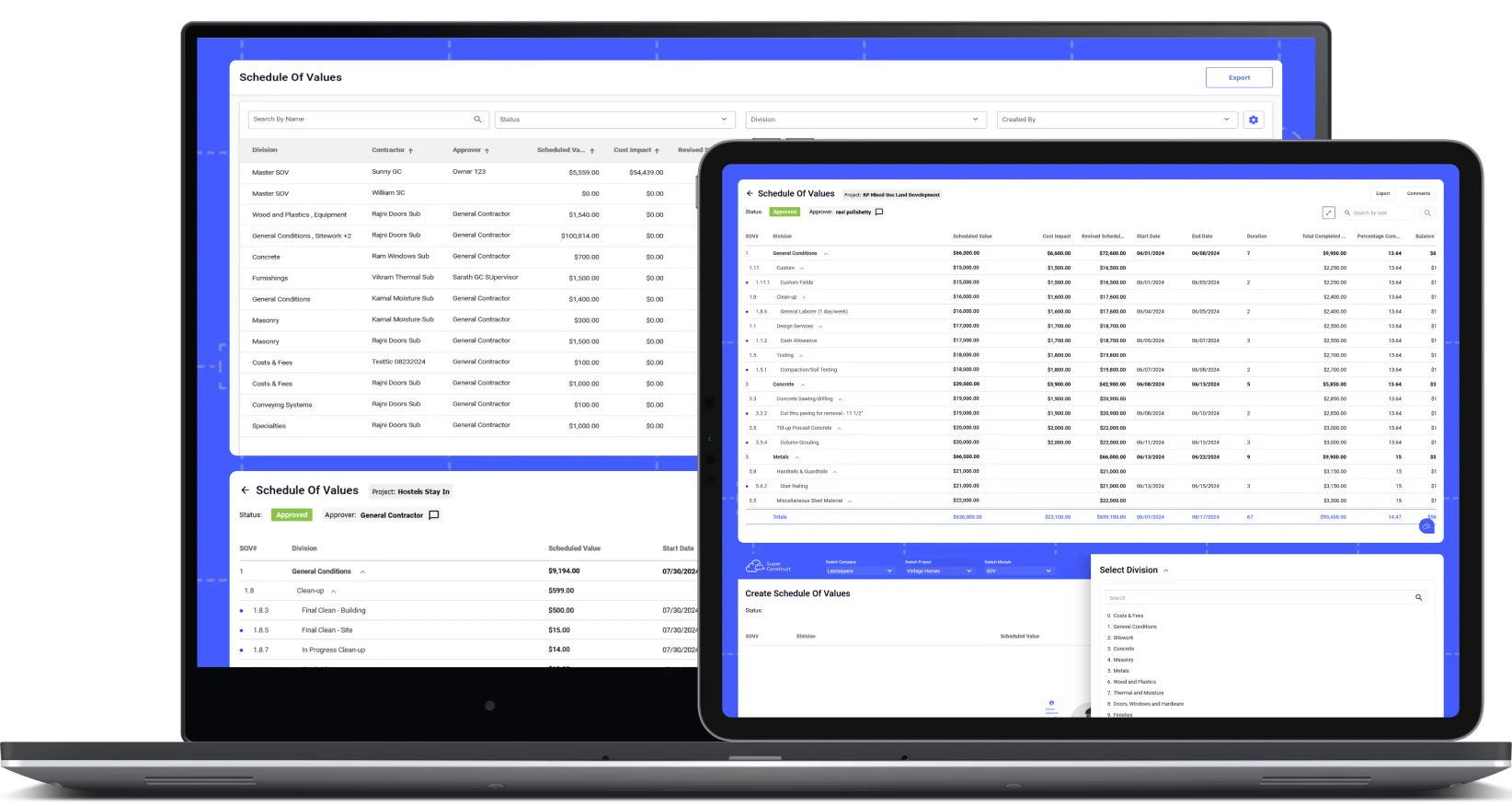
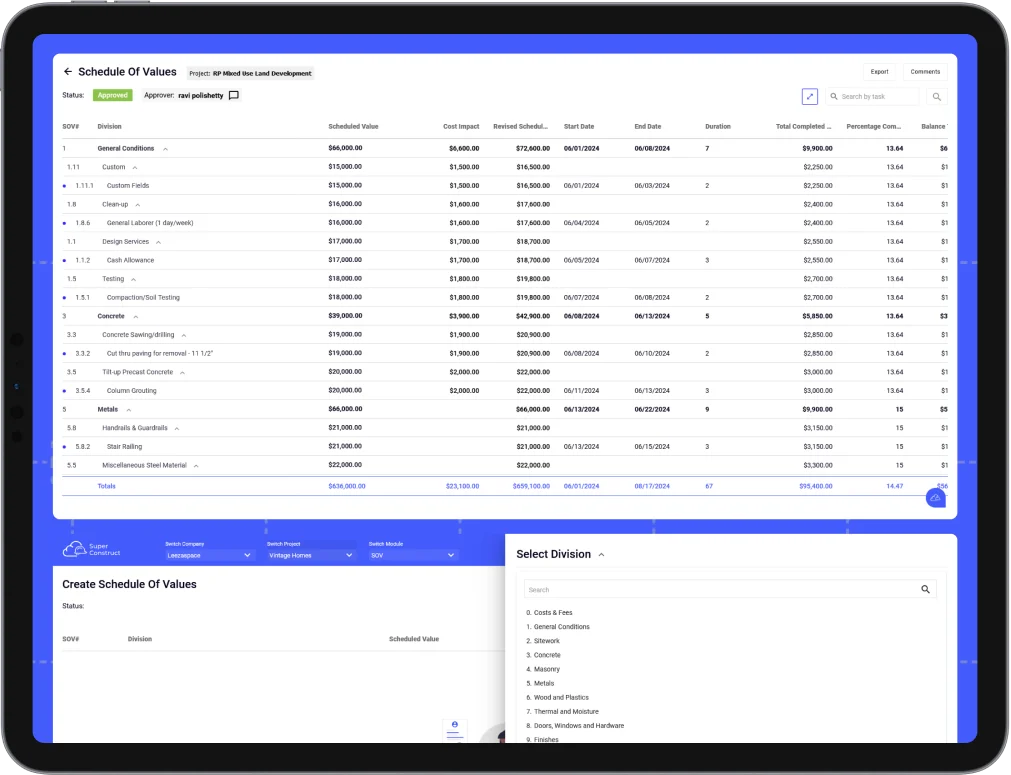
With SuperConstruct's Change Order (CO) tool, contractors can request SOV changes in a few steps which can be approved, rejected, or unlocked with in-app comments by Approvers. Upon approval, Change Order is auto-generated and triggered for e-signature. Once signed, the change is auto-updated in Schedule of Values as a Cost Impact for seamless accuracy.

See SuperConstruct AI in action
Change Orders screenshot
  • Raise Positive or Negative Change Requests: Easily create reusable custom divisions, sub-divisions, and tasks, and submit for approval in minutes.
  • Centralized Change Order Management: Easily manage all Change Orders in one place with real-time statuses such as Approved, Unlocked, Rejected, Signed, or Approval Pending.
  • Integrated with Schedule of Values: Approved Change Orders are automatically updated as Cost Impacts in the SOV, with Revised Values seamlessly reflected to ensure accuracy and prevent tampering.
  • Locked Change Order Integrity: Approved and signed Change Orders are final and cannot be reverted. To make adjustments, a negative change request must be raised for the same value.
  • In-App Comments & Feedback: Easily coordinate changes with stakeholders using in-app comments, keeping all Change Order related discussions centralized and organized.
  • Seamless Approval Workflow: Effortlessly approve, unlock for changes and resubmission, or reject Change Orders with in-app comments, streamlining and centralizing communication.
  • Reminders and Notifications: Stay on schedule with automatic email reminders and in-app notifications, ensuring contractors complete approvals, signatures, and changes on time.
  • Auto-Calculate for Accuracy: SuperConstruct automatically calculates totals from line item values and durations based on start and end dates, ensuring SOVs are always precise and reliable.
  • Avoid Overbilling and Math Errors: SOVs are seamlessly integrated with Pay Apps, ensuring contractors use approved values, eliminating overbilling and calculation errors.
  • Export Change Orders: Export Change Orders for external collaboration.
  • Raise Change Request in Minutes: Contractors can swiftly add divisions, update costs and durations, and submit Change Requests for review, saving time and ensuring accuracy.
  • Electronic Signatures: Auto-trigger generated Change Orders for e-signatures to both parties in seconds, complete with timestamps and unique identification.
  • Attach RFI & Previous Change Request References: Options to attach references of existing RFIs or previously raised Change Requests to add context if required.
  • Add Descriptions and Attachments: Include subject, detailed descriptions, and attachments with your Change Requests for clarity, detailed context, and completeness.
  • Out of Scope and In-Scope Changes: Raise In-Scope Changes for existing Divisions/Sub-Divisions from SOV and Out-of-Scope Changes by adding new Divisions/Sub-Divisions.
  • Create RFIs on Change Requests: Create RFIs on Change Requests right from the Change Request tool.
  • Auto-Save and Organize: SuperConstruct automatically saves and organizes all signed Change Orders, ensuring no critical documents are ever missed or lost.

Who We Serve

Build by Contractors for:

General Contractors
Project Managers
Sub-Contractors
Owners / Developers
Accounting
Finance Teams

SuperConstruct makes it seamless by bringing all stakeholders into a common platform bringing in transparency and accountability to the construction project and payment process.

SuperConstruct makes it seamless by bringing all stake holders into a common platform brining in transparency and accountability to the entire construction management process.

Start free trial →Request a demo
  • WhatsApp
  • +1(254)-253-2522
  • Login
  • Register
SuperConstruct — AI construction management software logo

Payment Management

  • AIA Style Progress Invoicing
  • Lien Waivers Management
  • Electronic Payments
  • Pay App Reports

Integrations

  • Procore
  • QuickBooks
  • ChatGPT

AI

  • AI Assistant

Project Management

  • Schedule of Values
  • Change Orders
  • Daily Logs
  • Request for Information
  • Document Management
  • Inspections
  • Submittals
  • User Management
  • Message Boards
  • Project Dashboards

New Features

  • Scheduling
  • To-Do
  • Calendar
  • Messaging & Chat
  • Expense Management
  • Pay App Compliance
  • General Contractor
  • Project Manager
  • Sub-Contractor
  • Owner / Developers
  • Accounting Teams
  • Cities & Municipalities
Resources
  • Blog
  • Case Studies
  • Careers
  • Become a Partner
  • Cost-Benefit Calculator
  • User Guides
  • Pain Points
About UsPricing
Request a Demo
Menu
About UsPricing
Request a DemoLogin
🇺🇸 English🇲🇽 Español

Trusted by cities, general contractors, and developers across the United States, including municipal Capital Improvement Programs.

City of Anna — SuperConstruct construction management customer
Jaramillos — SuperConstruct construction management customer
Misha's Construction — SuperConstruct construction management customer
Alphine — SuperConstruct construction management customer
City of Celina — SuperConstruct construction management customer
CLBA — SuperConstruct construction management customer
The Bays — SuperConstruct construction management customer
TX Sparks Luxury Homes — SuperConstruct construction management customer
Riviera — SuperConstruct construction management customer
Shepherds Place — SuperConstruct construction management customer
Leez A Space — SuperConstruct construction management customer
TX Sparks Constructions — SuperConstruct construction management customer

Voices from the field

Voices from the Field

Real stories from cities, contractors, developers, and lenders building with SuperConstruct.

“SuperConstruct significantly reduced our time on administration so we could focus on expansion. Every activity is now at our fingertips.”

Developer Impact with SuperConstruct

Developer

Case Study | Melissa, TX

SuperConstruct Developer Case Study

“We've never seen a field report this detailed in our past experience. It made evaluation straightforward and gave us confidence in the project team.”

Lender Visibility & Confidence with SuperConstruct

Lender

Case Study | North Dallas

SuperConstruct Lender Case Study

“The audit trail and automated draws give our public-works team the transparency our residents expect.”

CIP Transparency with SuperConstruct

Municipal CIP Director

North Texas

SuperConstruct Municipal CIP Case Study

Centralized everything
we need daily

Your job site, in your pocket.

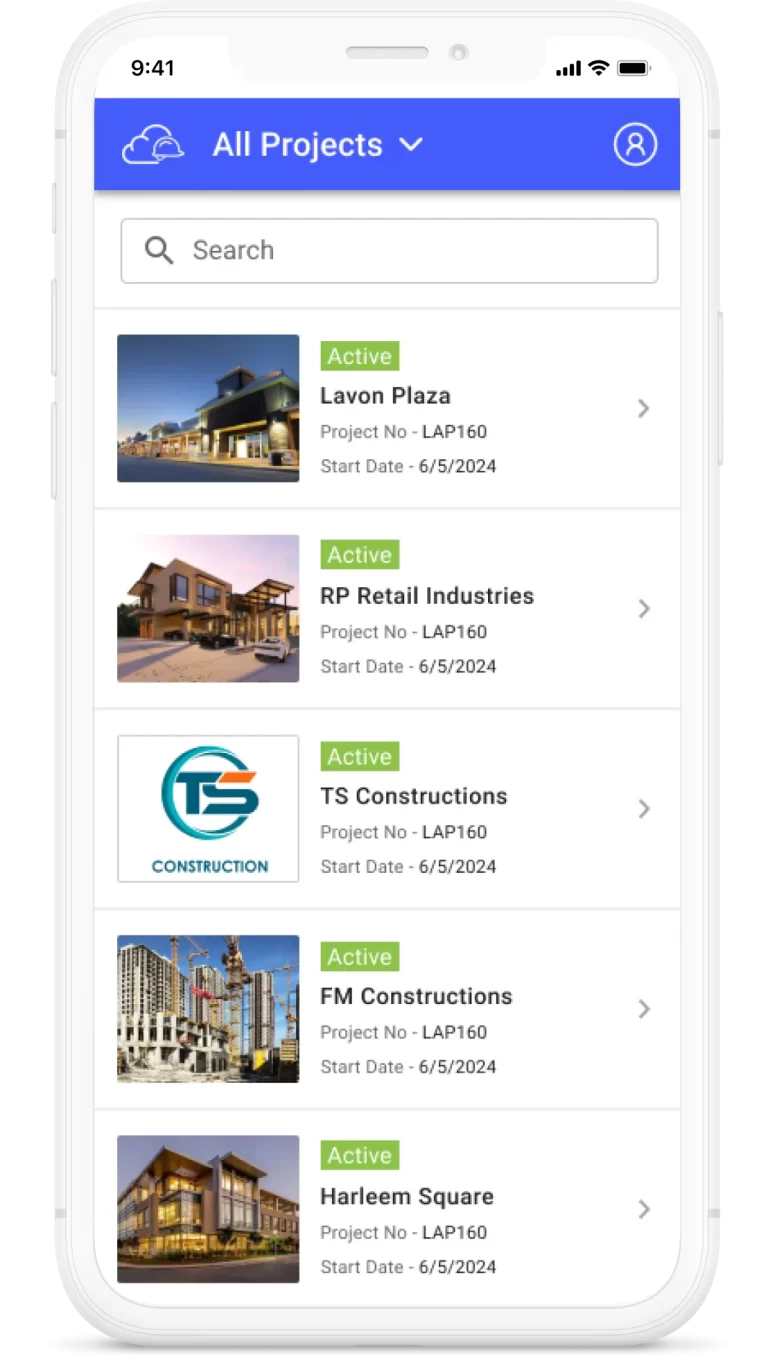
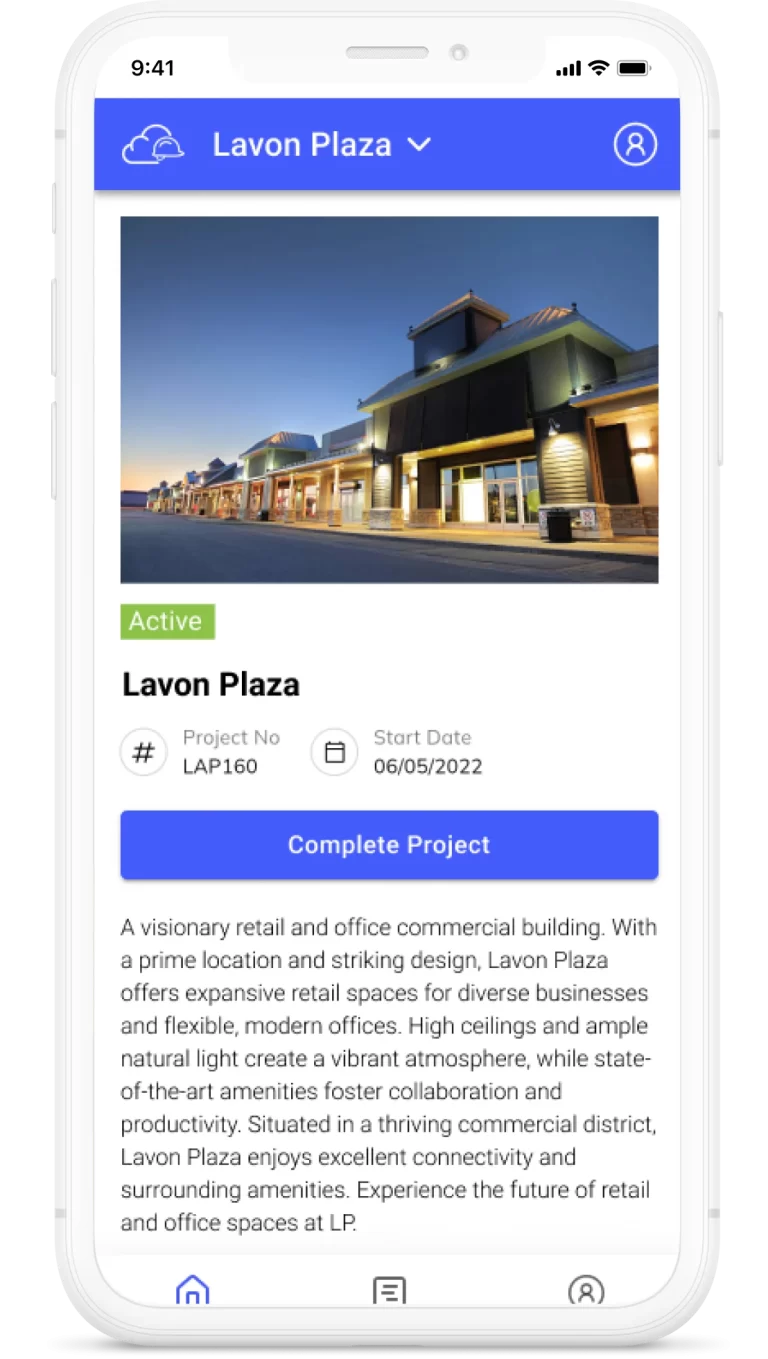
Capture daily logs, run inspections, approve change orders, chat with your team, and ask SuperConstruct AI anything - from iOS, Android, or any web browser. The whole platform travels.


Download SuperConstruct AI construction app on the Apple App StoreGet the SuperConstruct AI construction app on Google Play
SuperConstruct iOS and Android app - construction project management on mobile

Get in touch

Talk to a SuperConstruct Construction Specialist.

Tell us about your projects and we'll show you how SuperConstruct can automate pay applications, lien waivers, scheduling, and compliance - typically saving teams 30–40% of manual work.