SuperConstruct — AI construction management software logo

Features

  • AI Assistant
  • Manage Schedule of Values (SOV)
  • Construction Change Order Tracking
  • Daily Logs
  • Request for Information
  • Document Management
  • Inspections
  • Submittals
  • Message Boards
  • User Management
  • Project Dashboards
  • Pay Applications & Reports

New Features

  • Scheduling
  • To-Do
  • Calendar
  • Messaging & Chat
  • Expense Management
  • Pay App Compliance

Company

  • Blogs
  • Privacy-Policy
  • Book a Demo
  • Careers
  • Become a Partner

Integrations

  • Procore
  • QuickBooks
  • ChatGPT

Location

Texas, USA

Customer Support

+1(254)-253-2522
sales@superconstruct.io

Download on the App StoreGet it on Google Play

EXPENSE MANAGEMENT

Track Every Project Expense in One Place

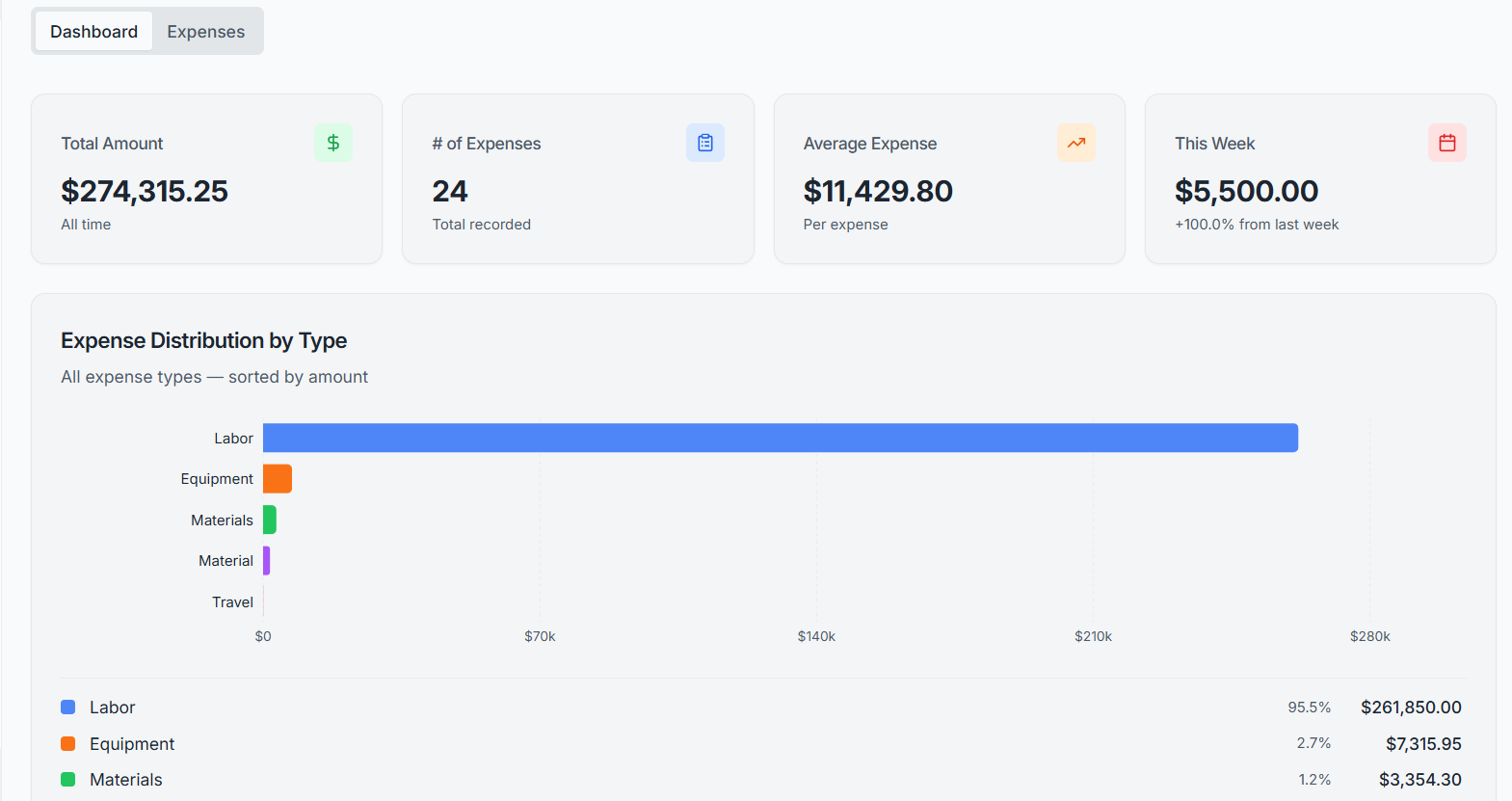
Track project costs outside the pay-app process - daily operational expenses, materials, equipment rentals, and other expenditures. Dashboard analytics, cost-code linking, receipt capture, and a full audit trail on every record.

Start free trial →Request a demo
SuperConstruct Expense Management dashboard with weekly trends and category distribution

Expense Management

SuperConstruct Expense Management captures every project cost that falls outside the standard AIA pay-app workflow. The dashboard gives a financial overview with weekly trends and category distribution. Every expense links to a project cost code, captures receipts and invoices, and is wrapped in a complete worklog audit trail - defensible to any auditor, lender, or municipality review.

See SuperConstruct AI in action
  • Dashboard Analytics: Weekly spending trends, category distribution charts, total expenses, and weekly averages - at a glance, on every project.
  • Cost Code Linking: Tie every expense to a specific project cost code, keeping budget tracking accurate and reportable to owners and lenders.
  • Receipt and Invoice Upload: Attach receipts or invoices directly to each expense record - full supporting documentation always at hand.
  • Searchable Expense List: Sortable, filterable, and searchable list of every expense with status indicators - find anything in seconds.
  • Worklog Audit Trail: Every change to every expense is logged: who, what, when. A complete audit history for financial accountability.
  • Category Classification: Categorize each expense by type - materials, equipment, labor, rentals, services, and more - for clean reporting.
  • Restricted Role Access: Only Owners, Project Managers, and Superintendents can access expense data - sensitive costs stay private from subs and members.
  • CSV Export: Export the full expense ledger to CSV for further analysis in Excel, QuickBooks, or your accounting workflow.
  • HTML and PDF Reports: Generate formatted reports for owners, lenders, and stakeholders - print-ready and shareable.
  • Pay App Separation: Keeps project operating expenses cleanly separated from AIA G702/G703 contractor billing - two distinct financial workflows.
  • WhatsApp
  • +1(254)-253-2522
  • Login
  • Register
SuperConstruct — AI construction management software logo

Payment Management

  • AIA Style Progress Invoicing
  • Lien Waivers Management
  • Electronic Payments
  • Pay App Reports

Integrations

  • Procore
  • QuickBooks
  • ChatGPT

AI

  • AI Assistant

Project Management

  • Schedule of Values
  • Change Orders
  • Daily Logs
  • Request for Information
  • Document Management
  • Inspections
  • Submittals
  • User Management
  • Message Boards
  • Project Dashboards

New Features

  • Scheduling
  • To-Do
  • Calendar
  • Messaging & Chat
  • Expense Management
  • Pay App Compliance
  • General Contractor
  • Project Manager
  • Sub-Contractor
  • Owner / Developers
  • Accounting Teams
  • Cities & Municipalities
Resources
  • Blog
  • Case Studies
  • Careers
  • Become a Partner
  • Cost-Benefit Calculator
  • User Guides
  • Pain Points
About UsPricing
Request a Demo
Menu
About UsPricing
Request a DemoLogin
🇺🇸 English🇲🇽 Español

Trusted by cities, general contractors, and developers across the United States, including municipal Capital Improvement Programs.

City of Anna — SuperConstruct construction management customer
Jaramillos — SuperConstruct construction management customer
Misha's Construction — SuperConstruct construction management customer
Alphine — SuperConstruct construction management customer
City of Celina — SuperConstruct construction management customer
CLBA — SuperConstruct construction management customer
The Bays — SuperConstruct construction management customer
TX Sparks Luxury Homes — SuperConstruct construction management customer
Riviera — SuperConstruct construction management customer
Shepherds Place — SuperConstruct construction management customer
Leez A Space — SuperConstruct construction management customer
TX Sparks Constructions — SuperConstruct construction management customer

Who we serve

From City Hall to the job site - one AI-powered platform for every role.

Cities, Counties & Municipalities

Public Works · CIP · Engineering

Run capital improvement programs end-to-end with audit-ready transparency, automated draws, and contractor accountability.

Explore the municipal solution →

General Contractors

GCs · Project Managers · Superintendents

Manage every project from notice-to-proceed through closeout. Bill on time, track field work, and protect every dollar with automated lien waivers.

See the GC solution →

Voices from the field

Voices from the Field

Real stories from cities, contractors, developers, and lenders building with SuperConstruct.

“SuperConstruct significantly reduced our time on administration so we could focus on expansion. Every activity is now at our fingertips.”

Developer Impact with SuperConstruct

Developer

Case Study | Melissa, TX
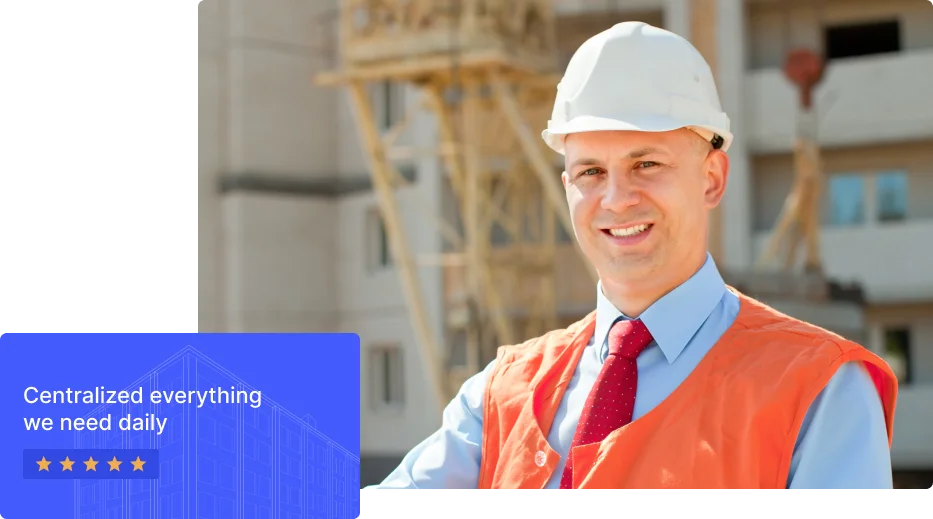
SuperConstruct Developer Case Study

“We've never seen a field report this detailed in our past experience. It made evaluation straightforward and gave us confidence in the project team.”

Lender Visibility & Confidence with SuperConstruct

Lender

Case Study | North Dallas

SuperConstruct Lender Case Study

“The audit trail and automated draws give our public-works team the transparency our residents expect.”

CIP Transparency with SuperConstruct

Municipal CIP Director

North Texas

SuperConstruct Municipal CIP Case Study

Centralized everything
we need daily

Your job site, in your pocket.

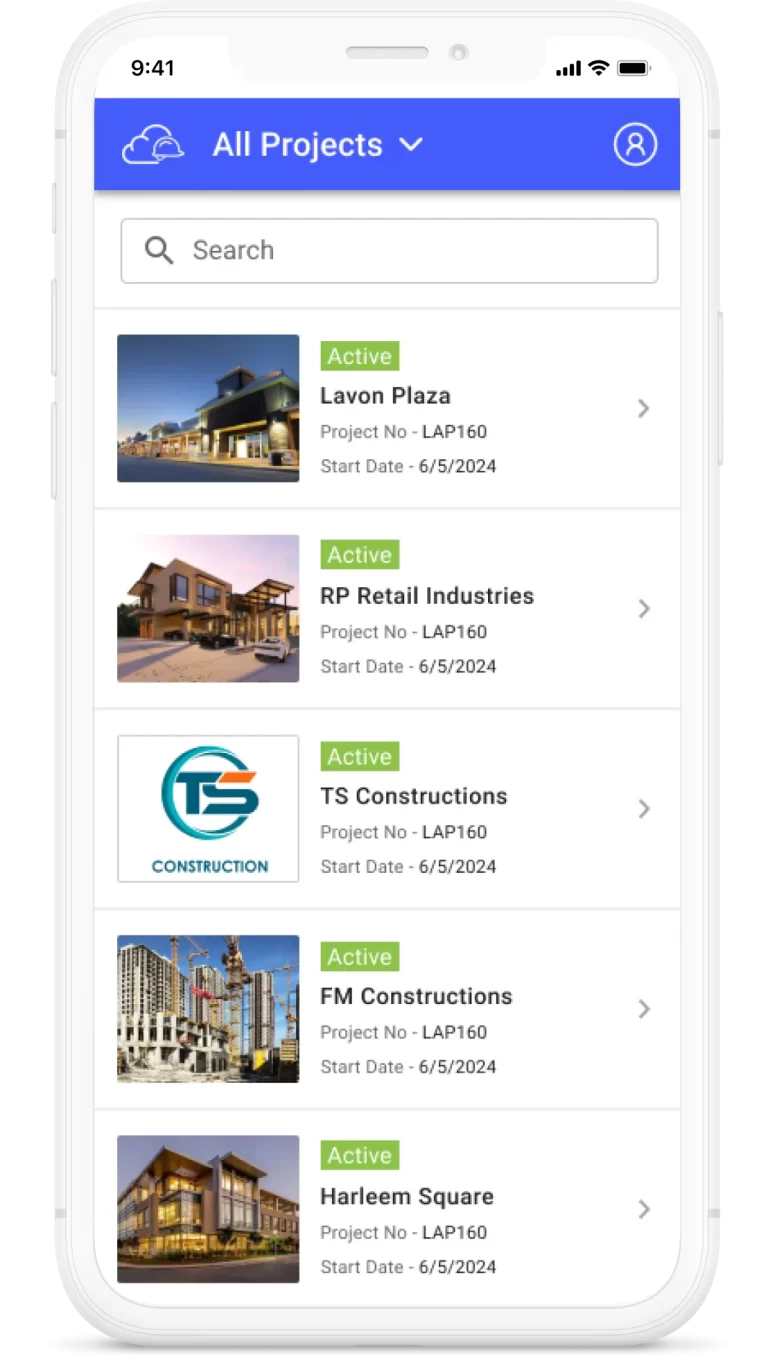
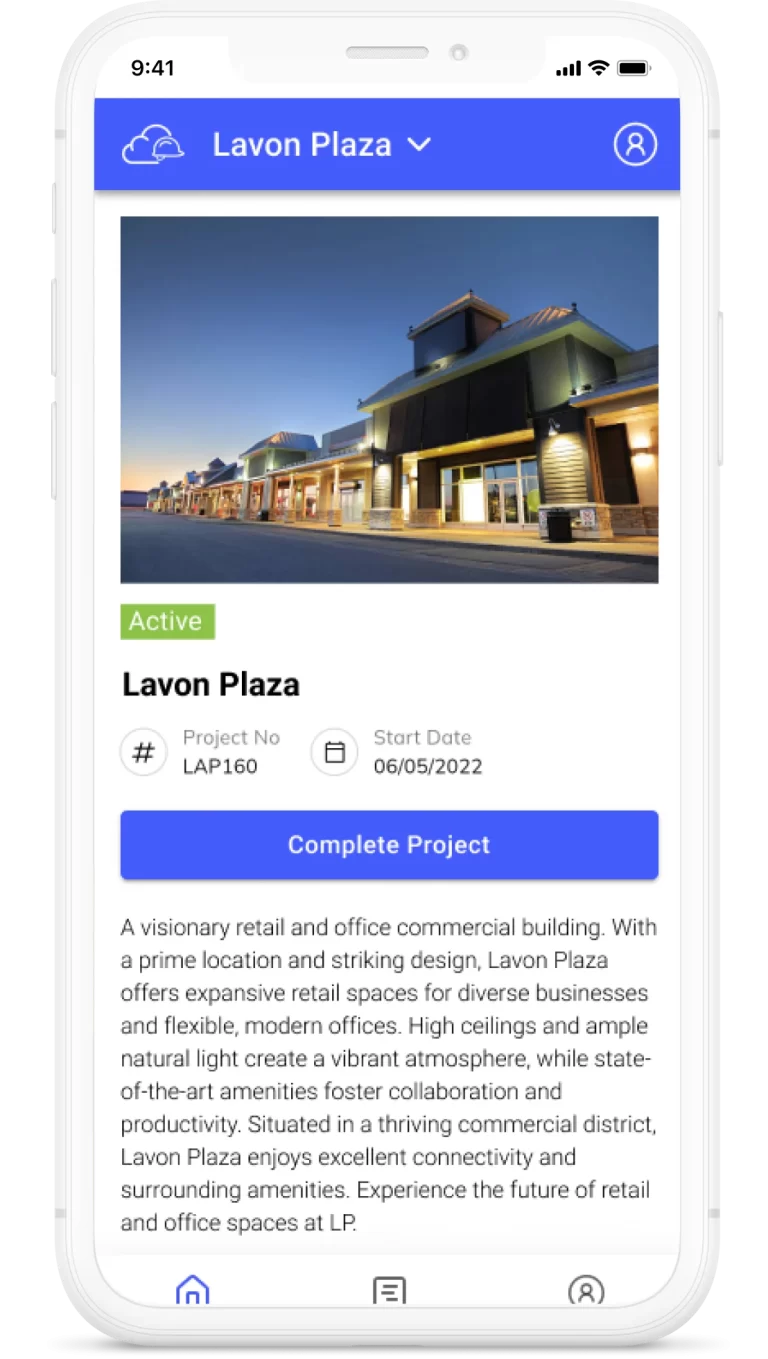
Capture daily logs, run inspections, approve change orders, chat with your team, and ask SuperConstruct AI anything - from iOS, Android, or any web browser. The whole platform travels.


Download SuperConstruct AI construction app on the Apple App StoreGet the SuperConstruct AI construction app on Google Play
SuperConstruct iOS and Android app - construction project management on mobile

Get in touch

Talk to a SuperConstruct Construction Specialist.

Tell us about your projects and we'll show you how SuperConstruct can automate pay applications, lien waivers, scheduling, and compliance - typically saving teams 30–40% of manual work.

Developers & Owners

Owner-Developers · Real Estate

Oversee land development and GC performance with live visibility into budgets, schedule variance, draws, and lien risk - without chasing emails.

See the developer solution →

Construction Teams

Accounting · Finance · Field · Subs

Cut 30–40% of manual work. From daily logs in the field to ACH payments in finance - every team works in the same system with the same data.

Built for every team →
Also built for Architects & Engineers (submittals, RFIs), Subcontractors (trade billing, compliance), and Lenders & Inspectors (draw approvals, progress monitoring).