Features and Benefits of Construction Expense Management Software
No credit card required. Unlimited users.
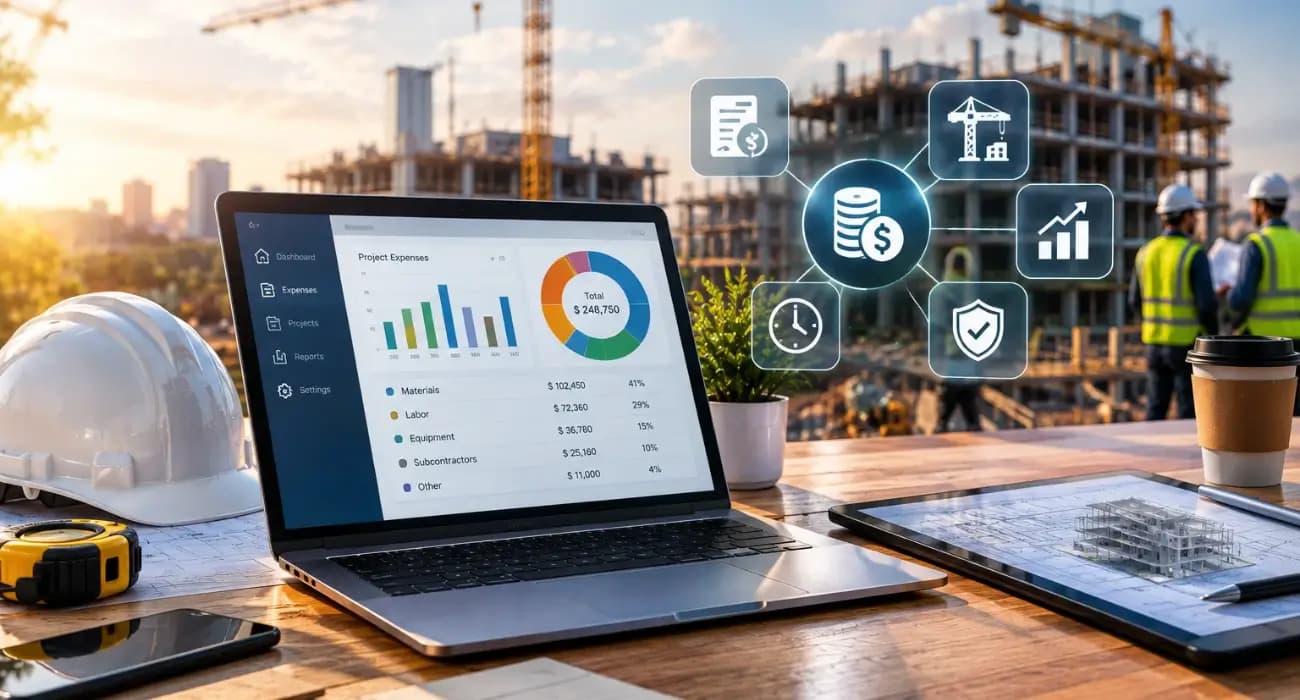
Most contractors don't lose money in one big moment. They lose it a receipt at a time.
A rental that ran three days longer than planned. Fuel charged to the wrong job. A materials run nobody logged until the month-end close, when the job already looked fine on paper.
By the time those costs show up in a report, the work is done, and the margin is gone.
And contractors have less room to absorb surprises than they used to.
In July 2026, the Associated General Contractors of America reported that construction input prices had risen 7.1% over the past year, roughly double the 3.5% increase in contractors' bid prices. In other words, many firms are eating the difference.
That is why more contractors are moving to construction expense management software. Below, we cover the features that matter and the benefits you can expect.
What Is Construction Expense Management Software?
Construction expense management software helps contractors capture, approve, code, and report project spending in one system.
That includes materials, fuel, equipment rentals, small tools, travel, and employee reimbursements.
What sets it apart from a generic expense app is its construction cost tracking. Every expense is tied to a specific job and cost code, so it flows straight into the project budget instead of sitting in a separate list.
Manual processes are slow and error-prone. A GBTA Foundation study found that the average expense report costs $58 to process, and about one in five contains errors or missing information.
You can also read: What Is Construction Management? A Practical Guide
8 Key Features of Construction Expense Management Software
1. Mobile Receipt Capture
Field teams should be able to snap a photo of a receipt and submit it in seconds, right from the truck or the job site.
If logging an expense takes longer than buying the item, it won't get done.
2. Job and Cost Code Tagging
Every expense needs to land on the right project, phase, and cost code at the moment it's submitted.
This is the foundation of accurate contractor expense tracking. Fixing miscoded costs weeks later is slow, and many never get fixed at all.
3. Budget vs. Actual Tracking
The real value comes when expenses flow straight into the job budget.
Good software shows estimated, budgeted, committed, and actual costs side by side, so a PM can see an overrun while the job is still running.
4. Approval Workflows
Expenses should route to the right person for approval before they hit the books.
PMs can check that a cost belongs to their job, and accounting gets cleaner data with fewer follow-up questions.
5. Reimbursements and Payments
Once an expense is approved, employees should get reimbursed quickly, and vendor bills should be paid on time.
Built-in ACH payments cut out paper checks and keep payment records next to the original expense.
6. Change Order Connections
Extra costs from scope changes need to be tracked separately so they can be billed.
When expenses link to an approved change order, you recover out-of-scope work instead of absorbing it.
You can also read: 6 Change Order Challenges & How SuperConstruct Helps in Managing Them
7. Accounting Integration
Expense data should sync with your accounting system without double entry. Every manual re-entry is another chance for a cost to land in the wrong place.
8. Reporting and Real-Time Dashboards
Owners and PMs need quick answers: What have we spent on equipment this month? Which jobs are trending over budget?
Dashboards and reports should answer those questions in a few clicks, not after a week of spreadsheet work.
You can also read: How SuperConstruct Helps Construction Teams Stay on Schedule and Budget
Benefits of Construction Expense Management Software
1. Real-Time Visibility Into Job Costs
Instead of waiting for month-end, you see costs as they happen.
That turns construction cost tracking from a look-back into an early warning system.
2. Protected Margins When Prices Are Rising
Volatile prices make tight tracking more important. AGC reported that construction input costs climbed 8.9% from August 2025 to August 2026, with diesel up 77.8% and steel mill products up 23.4%.
When fuel and materials swing this much, catching a cost spike in week two instead of week ten can save a job's margin.
3. Fewer Errors and Less Rework in Accounting
Coding expenses at the source, with a receipt attached, removes most of the back-and-forth between the field and the office.
Accounting spends less time chasing missing receipts and fixing miscoded entries.
4. Faster Billing and Better Cash Flow
Costs that are tracked can be billed, whether through change orders, cost-plus invoices, or pay applications.
That matters when cash is already tight. Rabbet's 2024 Construction Payments Report estimated that slow payments cost the U.S. construction industry $280 billion that year.
5. A Clean Audit Trail
Every expense has a receipt, an approver, a date, and a job. That makes audits, lender reviews, and disputes much easier to handle.
6. Better Data for Future Bids
Accurate actual costs from past jobs make your next estimate more reliable.
Firms that manage their data well see the payoff: in an Autodesk and FMI study of more than 3,900 professionals, respondents with formal data strategies reported fewer delays, less rework, and fewer change orders.
Common Contractor Expense Tracking Mistakes
- Waiting until month-end. Costs entered weeks late are harder to code and too late to act on.
- Using one generic "materials" bucket. Without cost codes, you can't tell which part of the job is over budget.
- Keeping expenses separate from the budget. A list of receipts doesn't tell you whether the job is profitable.
- Ignoring small purchases. Fuel, fasteners, and quick hardware runs add up across a long job.
- Not billing out-of-scope costs. If extra work isn't linked to a change order, it's usually paid for by your margin.
You can also read: How SuperConstruct Helps Construction Teams Stay on Schedule and Budget
What It Looks Like on a Real Job
Picture a mid-size commercial renovation running for six months.
On Monday, the foreman rents a scissor lift and photographs the rental agreement from his phone. It's coded to the job and the equipment cost code before he leaves the yard.
On Wednesday, a crew lead buys extra conduit after the owner asks for additional outlets. The expense is linked to the pending change order, so it will be billed once the change is approved.
On Friday, the PM opens the budget report. Equipment costs are trending 12% over plan because the lift rental keeps getting extended.
She calls the rental company, returns one unit early, and adjusts the schedule so the lift is only on site when it's needed.
At month-end, accounting doesn't chase a single receipt. Every expense already has a job, a cost code, an approver, and a photo attached.
Nothing here is complicated. The difference is that the information arrives the same day, while there is still time to act on it.
You can also read: 10 Leading Construction Expense Management Software
How SuperConstruct Handles Construction Expense Management
SuperConstruct is a finance-first construction platform, so expenses aren't a separate tool.
Its construction expense management features log costs against each project, and those costs flow into budget-vs-actual tracking alongside estimated, budgeted, and contracted amounts.
Because expenses live next to the schedule of values, change orders, AIA-style pay applications, lien waivers, and ACH payments, you see the full financial picture of every job in one place.
And an AI Copilot can answer questions like "how much have we spent on equipment rentals on the Oak Street project?" in plain English.
Pricing is a flat $299 per project per month with unlimited users, so you can bring field staff into the system without paying per seat.
You can also read: How to Manage Construction Projects Without Spreadsheets
How to Choose Construction Expense Management Software
Test the mobile app with a real foreman during the demo. If submitting a receipt is slow or confusing, adoption will suffer.
Check that expenses flow into job budgets automatically. A tool that only collects receipts solves half the problem.
Ask how pricing scales as you add field staff, and how the software connects to your accounting and billing.
Frequently Asked Questions
1. What is construction expense management software?
It is software that helps contractors capture, approve, and code project expenses, then track them against each job's budget.
2. What features should contractor expense tracking software have?
Mobile receipt capture, job and cost code tagging, budget-vs-actual reporting, approval workflows, payments, and accounting integration.
3. How does construction expense management software improve construction cost tracking?
It records costs at the source and links them to the job budget in real time, so overruns show up while there's still time to act.
4. Is construction expense management software worth it for small contractors?
Yes. Small contractors often have the thinnest margins, so catching even a few missing or miscoded costs each month can cover the cost of the software.
5. Can expense management software help with billing?
Yes. When expenses are tied to change orders and the schedule of values, out-of-scope and reimbursable costs are easier to bill.