PROJECT SCHEDULING
Track Your Project Schedule with a Live Gantt
Turn your approved Schedule of Values into a living project timeline. Track planned vs. actual dates, completion percentages, and status across every line item - visualized on a built-in Gantt chart with a full change history.
Project Scheduling
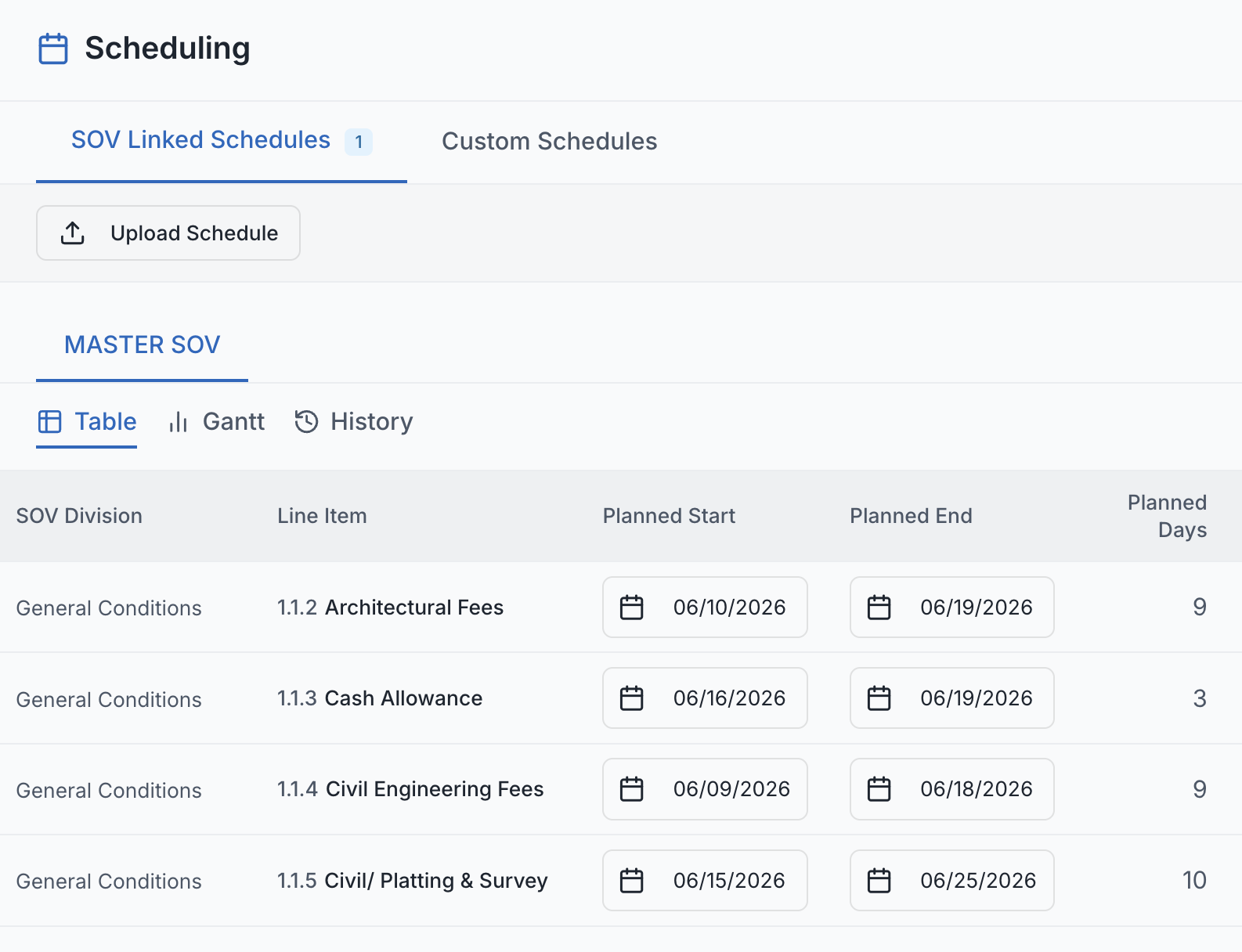
SuperConstruct Scheduling pulls directly from your approved SOV - every line item becomes a schedule entry you can track with planned and actual start/end dates, completion percentages, and status. The built-in Gantt chart shows planned vs. actual side-by-side with a today marker so delays are obvious the moment they happen, and every change is logged with field-level history.
- SOV-Driven Initialization: One click initializes a schedule entry for every approved SOV line item - no rebuild, no spreadsheet, no double-entry.
- Built-In Gantt Chart: Blue bars show planned dates, orange bars show actuals, and a red today marker flags overdue tasks at a glance.
- Planned vs. Actual Tracking: Track planned start/end against actual start/end on every line item, so variance is visible without manual reporting.
- Inline Editing: Edit dates, status, and completion percentages directly in the entry table - no separate update screens.
- Status Control: Mark line items Not Started, In Progress, Completed, or Delayed - manually, so your team controls how progress is reported.
- Sticky Line Items: SOV task names stay fixed on the left while the timeline scrolls horizontally, even on long multi-month projects.
- Change Notes Required: Every save requires a brief change note - a clear, defensible record of why the schedule was updated.
- Full Change History: Every modification is logged with the user, timestamp, change note, and field-level old/new diffs.
- Owner & Lender Visibility: Owners and developers see the full Gantt and history in read-only mode - no chasing for status updates.
- Subcontractor Scope: Subs see only the schedule entries linked to their scope, keeping shared data clean and role-appropriate.
- Future-Date Protection: Actual dates cannot be set in the future, preventing accidental data corruption from forward-dated entries.
- Track Project Progress: Monitor overall completion percentages and project status directly from the schedule for real-time stakeholder updates.