How AI Helps Identify Construction Risks Before They Become Costly
Sin tarjeta de crédito. Usuarios ilimitados.
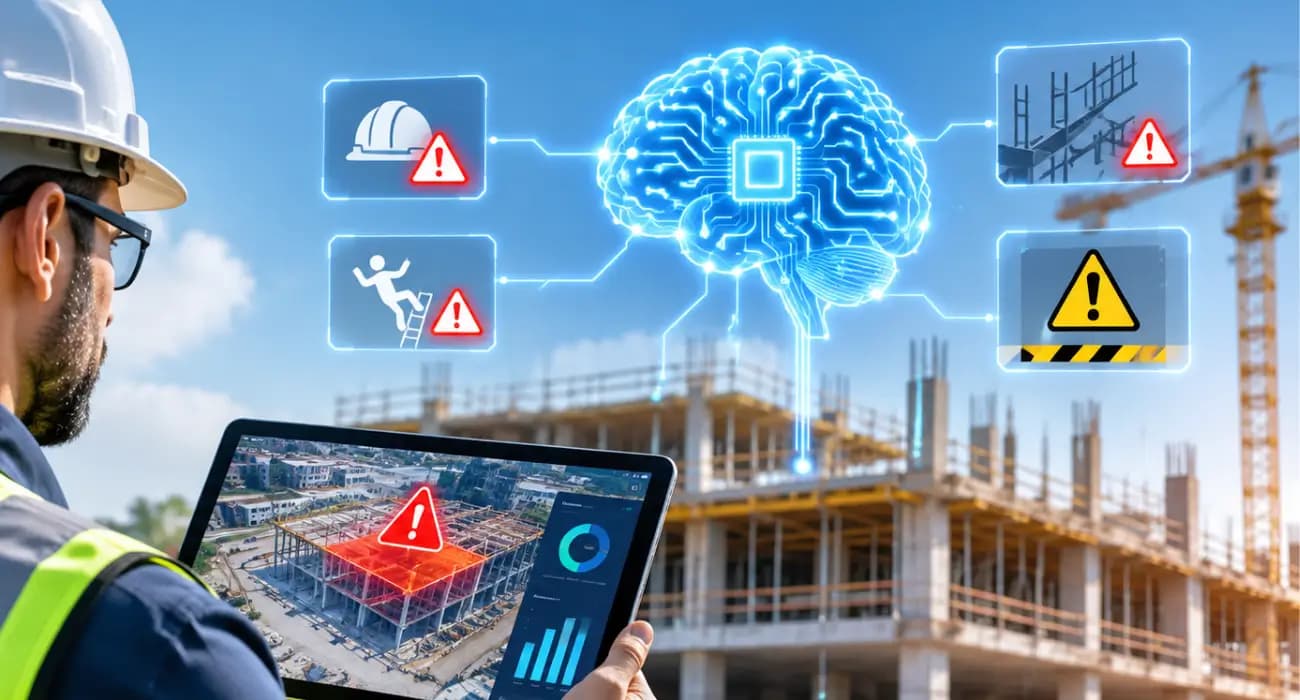
Most construction problems give you a warning. You just don't always get it in time.
The steel sub that's been a little slow on paperwork for two months is the same one that misses a delivery in month three.
The budget line that's crept 3% over every week is the one that blows up at closeout. The RFI nobody answered is the reason the ceiling gets torn out.
Looking back, the signs were all there. They were spread across daily logs, invoices, emails, and somebody's gut feeling, and nobody had the time to connect them.
That's the gap AI is starting to fill. Not by predicting the future, but by reading through project data faster than any person can and pointing at what looks off.
Here's how AI construction management software works to reduce risk, what kinds of risks it's good at catching, and where you still need experienced people making the calls.
The Construction Risks Are Getting Bigger
Contractors have always dealt with risk. What's changed is how fast things move and how little cushion there is.
Material prices are a good example. The Associated General Contractors of America reported that construction input costs rose 8.9% from August 2025 to August 2026, with diesel up 77.8% and steel mill products up 23.4%. A job you priced last fall can look very different today.
Policy risk is real too. In the 2026 AGC and Sage Construction Hiring and Business Outlook, roughly 70% of firms said they'd been affected by tariffs.
And when things go wrong, they go wrong expensively. The 2025 Arcadis disputes report, as covered by ENR, put the average U.S. construction dispute at $60.1 million.
That number is skewed by very large projects, but even on smaller jobs, a dispute can wipe out a year's profit.
What AI Construction Risk Management Software Does Differently
Traditional software stores your project data and waits for you to go looking. You run a report, you spot the problem, you act. If you don't run the report, you don't spot the problem.
AI flips that around. It watches the data as it comes in and raises a flag when something looks unusual.
A cost line moving faster than the work. A sub whose waivers are always late. A construction RFI that's been open longer than the activity it's holding up can afford.
It's less like a crystal ball and more like having an extra project engineer who reads every log, every invoice, and every open item, every day, and never gets tired of it.
Contractors are starting to see the value. In Bluebeam's 2027 AEC Technology Outlook, firms using AI most often named greater cost predictability as the top benefit.
You can also read: 11 Features of the Best AI Construction Management Software
Six Kinds of Risk AI Is Good at Catching
1. Cost overruns that start small
Overruns rarely arrive all at once. They creep.
AI can compare actual spend to budget on every line, every day, and flag the ones heading the wrong way while there's still time to renegotiate, value-engineer, or have a frank talk with the owner.
You can also read: How AI Helps Prevent Construction Delays and Cost Overruns
2. Schedule slips before they hit the critical path
If construction daily logs show a phase running behind, AI can point out which trades are stacked up behind it. A two-day slip on framing is fixable on day two.
On day twenty, you're paying for it in overtime or liquidated damages.
You can also read: Construction Daily Log Software: Features & Benefits
3. Compliance gaps
An expired certificate of insurance or a missing lien waiver can hold up a draw or leave you exposed if something goes wrong on site.
AI can check those documents automatically and flag gaps before they turn into a problem with the lender.
You can also read: Complete Guide to Construction Lien Waivers
4. Paperwork errors that cause disputes
The leading cause of construction disputes in North America, according to the 2025 Arcadis report, is errors and omissions in contract documents.
AI can catch a lot of the everyday versions of this: change orders without signatures, pay app math that doesn't add up, scope that doesn't match the contract.
You can also read: 7 Best Practices for Construction Document Management
5. Stalled RFIs and submittals
These are quiet risks. Nothing looks wrong until the material you needed hasn't been ordered because the construction submittal is still sitting with the engineer.
AI can surface overdue items and prioritize the ones tied to long-lead equipment.
You can also read: Construction Submittal Management Software: A Practical Guide
6. Safety hazards on site
Safety is the risk that matters most. The Bureau of Labor Statistics recorded 1,034 construction worker deaths in 2024.
AI video analytics connected to site cameras can flag hazards like fire, a worker down, or people getting too close to moving equipment, so someone can respond right away rather than reading about it in an incident report.
What It Looks Like on a Real Job
Picture a GC running a 40,000-square-foot retail build.
On a Tuesday, the AI flags that the mechanical sub's last three pay apps came with waivers a week late, and that their COI expires in ten days.
Nobody had noticed. The PM sends a reminder and gets an updated certificate before the next draw.
The same week, it points out that the site concrete line is 11% over budget with only 60% of the work in place.
The PM pulls the tickets, finds the supplier's been charging a fuel surcharge that wasn't in the quote, and gets it sorted before the next pour.
Neither of those is a crisis. That's the point. They were caught before they became one.
Where AI in Construction Falls Short
It's worth being straight about this, because overselling AI does nobody any favors.
- It only knows what you tell it. If daily logs are skipped and invoices get entered a month late, the AI is working with an incomplete picture. The flags will be late or missing.
- It can't weigh trade-offs for you. AI can tell you a phase is slipping. Whether you add a crew, resequence, or have a hard conversation with the owner is still a judgment call.
- It doesn't know your relationships. Maybe that slow sub is slow on paperwork but rock solid on site. You know that. The software doesn't.
The firms that get the most out of AI use it as an early warning system, then let experienced people decide what to do.
You can also read: 11 Features of the Best AI Construction Management Software
Getting Started
You don't need a big rollout. Start by getting your financial and field data into one system, because AI can't connect dots that live in five different places.
Pick one or two risks that have actually burned you before, whether that's cost overruns, late draws, or compliance, and focus there first.
Then give it a few months and look honestly at what it caught.
How many overruns did you see coming? How many pay apps went out clean? How many expired certificates got renewed before anyone had to scramble?
Also, it helps to tell your team why you're doing it. If supers think daily logs are just paperwork for the office, they'll treat them that way.
If they know those logs are what lets the system catch problems early, the quality tends to go up.
How SuperConstruct Helps You Spot Risks Early
SuperConstruct is an AI construction management software, so budgets, the schedule of values, change orders, pay apps, lien waivers, COI tracking, daily logs, RFIs, and submittals all live together.
That's what gives the AI enough context to be useful.
An AI agent helps flag risks before they turn into problems.
The SuperConstruct AI Assistant answers questions like "which subs have expiring insurance this month?" in plain English, with sources.
And AI video analytics watches site cameras for safety events and sends critical alerts to one dashboard.
Pricing is a flat $299 per project per month with unlimited users.
Frequently Asked Questions
1. How does AI help with construction risk management?
AI reviews project data such as costs, logs, documents, and site footage as it comes in, and flags anything unusual, so teams can act before small issues grow.
2. What is AI construction risk management software?
It's construction management software that uses AI to spot early signs of cost overruns, delays, compliance gaps, paperwork errors, and safety hazards.
3. Can AI predict construction delays?
It can't predict the future, but it can spot patterns that usually lead to delays, like phases falling behind or RFIs sitting too long, and warn you early.
4. Does AI replace a project manager's judgment?
No. AI handles the monitoring. People still decide what to do about what it finds.
5. What should I look for in AI construction management software?
Look for AI construction management software that keeps financial and field data together, explains where its alerts come from, and is easy enough that your field team will actually use it.