Construction Daily Log Software: Features & Benefits
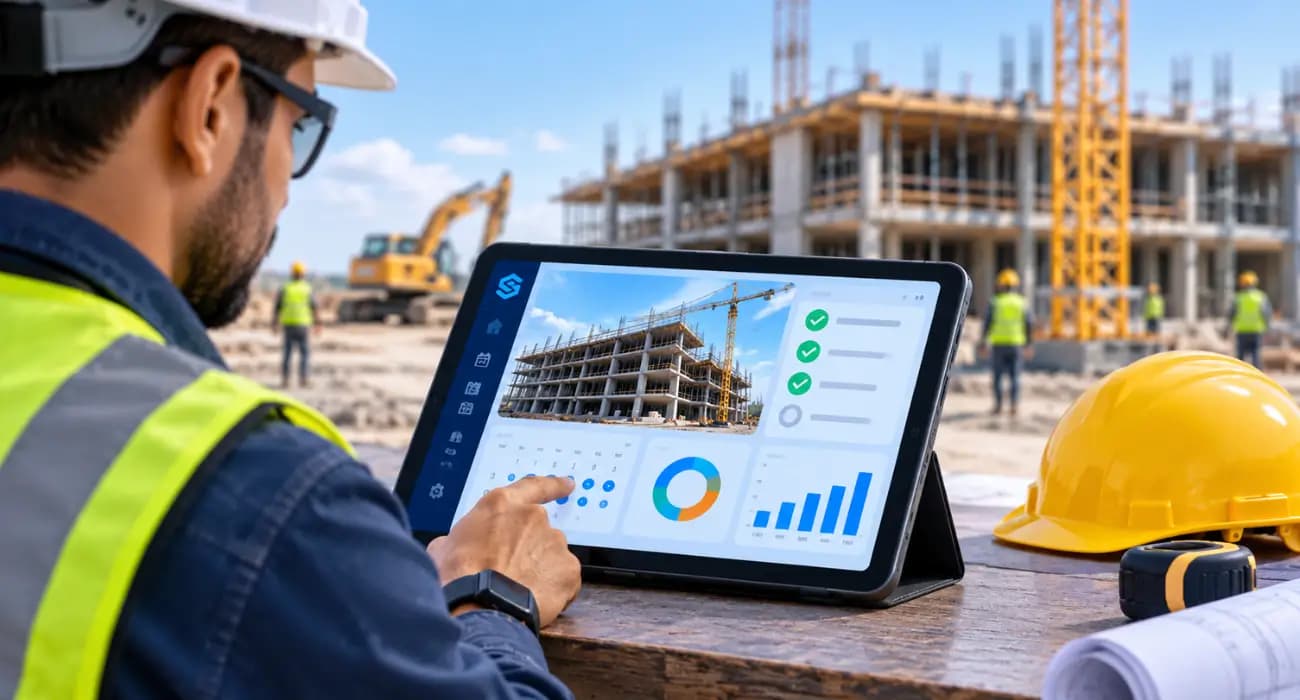
Every superintendent knows the daily log matters. Most of them also know the feeling of filling it out at 6:30 at night, in the truck, trying to remember what time the concrete truck showed up.
That's not a discipline problem. It's a tools problem. Paper forms and spreadsheet templates make the daily log a chore, so it gets done late, gets done thin, or doesn't get done at all.
And then, eight months later, the owner disputes a delay, and the only record of what happened on that rainy week in March is a half-filled form that says "rain, limited work."
Good construction daily log software fixes that by making the log quick to fill in and actually useful once it's done.
Here's what a construction daily log should capture, why it matters more than people think, and what to look for in a construction daily log app.
What Is a Construction Daily Log?
A construction daily log, sometimes called a daily report or site diary, is the day-by-day record of what happened on a job site.
A solid construction site daily log usually covers:
- Work completed and where
- Crews and headcount by trade
- Weather and site conditions
- Equipment on site and hours used
- Deliveries received
- Inspections, visitors, and meetings
- Delays, problems, and safety incidents
- Photos
Facility and maintenance teams keep a similar record, often called a construction & maintenance daily log, to document repairs, service work, and site conditions over time.
The idea is the same: write down what happened while it's fresh, in a way someone else can understand later.
Why the Daily Log Matters More Than It Gets Credit For
A lot of people treat the daily log as paperwork for the office. In reality, it's one of the most valuable documents on the job.
- It's your evidence. When a delay claim, change order dispute, or backcharge comes up, the daily log is usually the first thing lawyers and owners ask for. A record made on the day carries much more weight than anyone's memory. And disputes aren't cheap. The 2025 Arcadis report, as covered by ENR, found North American construction disputes took about 12.5 months on average to resolve.
- It backs up your billing. When you claim 65% complete on a pay app line, dated logs and photos are what make that number believable to the owner's rep and the lender.
- It tells the office what's really happening. Without a good log, the PM is guessing. With one, they can see that the electrical crew was short three guys for most of the week and do something about it.
- It keeps people safer. Recording near misses, hazards, and toolbox talks helps spot patterns before someone gets hurt. That matters in an industry where the Bureau of Labor Statistics recorded 1,034 worker deaths in 2024.
You can also read: Construction Project Tracking Software: Features and Benefits.
The Trouble With Paper and Spreadsheets
Paper logs get wet, lost, and left in trucks. Spreadsheet templates live on a laptop that never comes out on site.
Either way, the log gets written at the end of the day from memory, and details fall through the cracks.
Then there's finding things. If the owner asks what happened on the third floor on May 14th, someone has to dig through a binder or a folder full of files with names like "DL_0514_final2.xlsx."
That search time adds up. A PlanGrid and FMI survey found construction teams spent about 5.5 hours a week just looking for project information.
You can also read: AI Construction Management Software vs. Traditional Construction Software.
What Construction Daily Log Software Does Better
Construction daily log software moves the log onto a phone or tablet, so it can be filled in on site, through the day, while things are actually happening.
Take a photo when the steel shows up. Add the crew counts after the morning huddle. Note the inspector's visit before you forget his name. By the end of the day, most of the log is already done.
And because it's digital, it doesn't just sit there. It's searchable, it's shared with the office the moment it's saved, and it can connect to the schedule, the budget, and open issues.
You can also read: 8 Ways Digital Project Tracking Eliminates Construction Delays
Features to Look for in a Construction Daily Log App
1. Fast mobile entry
If it takes longer than about five minutes, supers won't keep it up.
Look for simple forms, quick photo capture, and the option to fill things in throughout the day.
2. Photos with dates and locations
Photos are often the most valuable part of the log.
They should be time-stamped and attached to the right day and area of the job automatically.
3. Weather recorded for you
Weather is one of the most common reasons for delays and one of the most commonly disputed.
A daily log app that pulls in conditions automatically saves time and removes any argument about whether it really rained that much.
4. Crew and manpower tracking
Logging headcount by trade every day gives you a real picture of labor on site.
With the industry needing to attract around 349,000 net new workers in 2026, according to Associated Builders and Contractors, knowing whether your subs are really staffing the job matters.
5. Links to issues, inspections, and RFIs
When the log mentions a failed inspection or a problem with the drawings, it should connect to the construction inspection record or the RFI, not just mention it in passing.
6. Easy search and export
You'll need to pull logs for claims, owner reports, and closeout.
Being able to search by date, trade, or keyword, and export a clean report, saves hours.
7. Access for the right people
The office, the owner's rep, and sometimes the lender may all need to see logs.
Look for permissions that let you share what's needed without handing out everything.
You can also read: How AI in Construction Management Automates Reporting and Project Updates.
When a Good Construction Daily Log Pays for Itself
Here's a common situation. A GC finishes a job three weeks late. The owner wants to hold back liquidated damages.
The GC pulls the daily logs. They show 11 rainy days the schedule didn't account for, two weeks where the owner's design changes stopped work on the east wing, and photos of the site sitting idle while everyone waited for revised drawings.
The conversation with the owner gets a lot shorter after that. Without the logs, it's one side's word against the other's.
You can also read: Construction Management Software for Commercial Projects: A Complete Guide.
A Few Habits That Make Daily Logs Worth Keeping
Software helps, but habits matter too.
Write facts, not opinions. "Drywall crew had 4 of 6 scheduled workers" is useful. "Drywall sub is unreliable" isn't, and it might cause you trouble later.
Log delays and their causes on the day they happen, even if they seem minor.
Take more photos than you think you need. They're cheap, and you never know which one you'll want in six months.
And keep it consistent. A log that's detailed on Monday and blank on Thursday raises more questions than it answers.
How SuperConstruct Handles Daily Logs
In SuperConstruct, supers fill in daily logs from their phones with work completed, weather, crews on site, and photos. The office sees each log as soon as it's saved.
Because SuperConstruct is a finance-first platform, those logs sit right next to the schedule, the schedule of values, RFIs, submittals, inspections, and pay applications.
When you bill 65% on a line item, the logs and photos that back it up are already in the same system.
The AI Assistant can also answer questions like "what happened on the second floor during the week of March 10?" in plain English, pulling from the logs themselves.
Pricing is a flat $299 per project per month with unlimited users, so every super, foreman, and PM can use it without per-seat costs.
You can also read: How SuperConstruct Tracks Construction Project Progress.
Frequently Asked Questions
1. What should a construction daily log include?
Work completed, crews and headcount, weather, equipment, deliveries, inspections and visitors, delays or problems, safety notes, and photos.
2. What is construction daily log software?
It's software, usually a mobile app, that lets superintendents record daily site activity digitally and share it with the office in real time.
3. Why is a construction site daily log important?
It's the main record of what happened on site. It supports billing, helps resolve disputes and delay claims, and gives the office a clear view of progress.
4. What's the best construction daily log app?
The best one is the app your superintendents will actually use every day. Look for fast mobile entry, automatic photos and weather, and links to the rest of your project data.
5. Is a construction & maintenance daily log different from a construction daily log?
They're similar. Maintenance logs focus more on repairs, service work, and ongoing site conditions, while construction logs focus on progress during a build.