AI Construction Management Software vs. Traditional Software
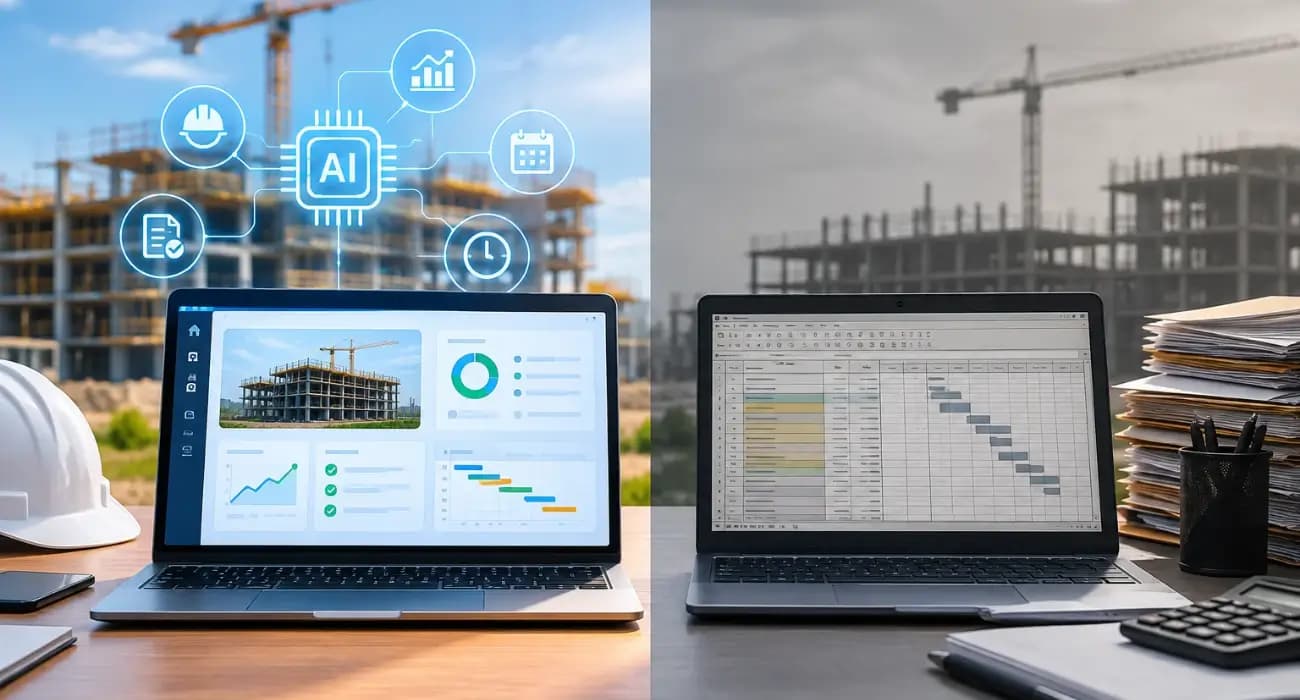
For years, "construction software" meant a place to store things. Drawings, schedules, budgets, RFIs, and daily logs moved out of filing cabinets and spreadsheets into a database. That was a real step forward.
But storing information isn't the same as using it. Someone still had to enter every number, search for every answer, build every report, and notice every problem.
AI construction management software changes that. It doesn't just hold project data. It reads it, summarizes it, checks it, and points out what needs attention.
The industry is still early in this shift. Bluebeam's 2027 AEC Technology Outlook, based on a survey of 750 U.S. AEC technology decision-makers, found that only 28% of firms have moved AI into production.
But among those that have, 40% report savings of more than $500,000. (Bluebeam sells AEC software, so treat the findings as a strong signal rather than a neutral census.)
This guide compares AI construction management software with traditional construction software, explains the practical differences, and covers what to look for in the best AI construction management software.
What Is Traditional Construction Software?
Traditional construction software digitizes project records.
Depending on the product, it may handle scheduling, document storage, RFIs, submittals, budgets, or accounting.
It's organized around forms and modules. You enter data, the software stores it, and you run reports when you need them.
The value depends entirely on how consistently people enter information and how much time they spend pulling it back out.
Many firms still haven't fully made even this first step.
In Bluebeam's 2026 outlook, only 11% of AEC firms described themselves as fully digital, with most still relying on paper and legacy tools for key workflows.
What Is AI Construction Management Software?
AI construction management software includes everything traditional platforms do, plus AI that works on top of the data. In practice, that means:
- Answering questions about a project in plain English.
- Generating reports and summaries from logs, budgets, and documents.
- Checking documents such as pay apps, change orders, and waivers for errors.
- Flagging risks like cost lines trending over budget or overdue RFIs.
- Analyzing images and video from the job site for progress and safety.
AI in construction project management doesn't replace the PM. It removes much of the searching, typing, and checking that fills a PM's week.
You can also read: 11 Features of the Best AI Construction Management Software
AI vs. Traditional Construction Software at a Glance
| Area | Traditional software | AI construction management software |
|---|---|---|
| Finding information | Search menus, filters, and folders | Ask a question in plain English |
| Reports | Built manually or from fixed templates | Drafted automatically from live data |
| Risk detection | Spotted when someone runs a report | Flagged proactively as data changes |
| Document checks | Manual review | Automated checks for errors and missing items |
| Site monitoring | Photos stored for later review | Video and images analyzed for progress and safety |
| Learning curve | Requires knowing where everything lives | Lower, since users can just ask |
6 Key Differences in Practice: AI vs. Traditional Construction Management Software
1. From searching to asking
In traditional software, answering "how much contingency is left on the Elm Street job?" means opening the budget module, filtering, and maybe exporting to Excel. With AI, you ask the question and get a cited answer in seconds.
2. From building reports to reviewing them
Traditional platforms store data, but a person still assembles weekly owner reports, cost updates, and meeting agendas.
AI drafts those reports, so the PM's job becomes reviewing and adding context.
You can also read: How AI in Construction Management Automates Reporting and Project Updates.
3. From reactive to proactive
Traditional software shows a problem when someone goes looking. AI can surface it first: a cost line trending over, a phase slipping, an RFI overdue on a critical path item.
In Bluebeam's 2027 survey, firms using AI most often named greater cost predictability as a benefit, cited by 64% of them.
4. From manual checks to automated ones
A rejected pay app or an unsigned change order can delay a draw by weeks.
AI can check documents for missing signatures, math errors, and mismatched waivers before they go out.
You can also read: Construction Payment Applications 101: Your Guide to Pay App Software
5. From stored photos to analyzed footage
Traditional tools store site photos. AI can analyze them.
In a Dodge Construction Network and CMiC study, early adopters rated progress tracking from site photos 92% effective compared with their previous methods.
AI video analytics can also flag safety events such as fire or a worker down in real time.
6. From training everyone to letting them ask
Traditional platforms often need weeks of training before people know where everything lives, and occasional users like owners or executives rarely learn at all.
With AI, a new project engineer or an owner's rep can ask a question and get an answer without knowing which module holds it.
That lowers the barrier to adoption, which is often the biggest reason construction software fails.
You can also read: Construction Management Software for Commercial Projects: A Complete Guide.
What Switching to AI Construction Management Software Looks Like
Moving from traditional software to an AI platform doesn't have to be disruptive. Most contractors start with one new project rather than migrating everything at once.
They load the schedule of values and budget, get the superintendent logging daily activity from day one, and use the AI for one high-value task, such as the weekly owner report or pay app review.
After a full billing cycle, compare the results: time spent on reports, pay apps returned, and issues caught early.
That evidence makes the case for rolling it out to the rest of the portfolio.
You can also read: Spreadsheets vs. Construction Management Software for General Contractors.
Where Traditional Software Still Holds Up
AI isn't automatically better in every situation. Traditional software can still make sense when:
- Your needs are narrow. A firm that only needs scheduling or document storage may not need AI yet.
- Data is thin. AI depends on consistent data. If your team doesn't log daily activity or costs, AI has little to work with.
- You're mid-implementation. Switching platforms in the middle of a large project can create more disruption than value.
And AI has limits of its own. It doesn't replace judgment, negotiate with owners, or manage crews.
The best results come when AI handles the monitoring and paperwork, and people handle decisions.
You can also read: 5 Best Construction Project Management Software.
How to Choose the Best AI Construction Management Software
- Look for one source of data. AI is only as good as what it can see. Platforms that keep financial and field data together give AI the full picture.
- Ask for cited answers. The best AI construction management software shows where each answer came from, so you can verify it quickly.
- Check what the AI actually does. Ask vendors for live demos on real workflows: a pay app, a cost report, an owner update. Avoid tools where "AI" is just a label.
- Make field capture easy. If superintendents won't use the mobile app, the AI will be working from half the story.
- Review pricing for your whole team. AI works best when everyone contributes data. Per-seat pricing can discourage that.
Adoption is moving quickly.
In the 2026 AGC and Sage Construction Hiring and Business Outlook, 61% of contractors said they were using AI or planned to increase their AI investment, up from 44% the year before.
You can also read: How AI Agents Are Changing Construction Project Management.
How SuperConstruct Brings AI to Construction Management
SuperConstruct is a finance-first construction platform with AI built into everyday workflows, not added as a separate tool.
The AI Copilot answers questions about any project in plain English, with cited answers. An AI agent helps flag risks before they become problems.
AI-assisted pay applications help produce cleaner AIA G702/G703 billing, and AI video analytics connect to site cameras to flag safety events.
Because the schedule of values, budgets, change orders, lien waivers, ACH payments, daily logs, RFIs, submittals, and inspections all live in one system, the AI works from complete project data.
Pricing is a flat $299 per project per month with unlimited users.
You can also read: How SuperConstruct Tracks Construction Project Progress.
Frequently Asked Questions
1. What is the difference between AI construction management software and traditional construction software?
Traditional software stores and organizes project data. AI construction management software also analyzes that data, answers questions, drafts reports, checks documents, and flags risks.
2. What is the best AI construction management software?
The best option keeps financial and field data in one place, provides cited AI answers, automates real workflows like pay apps and reporting, and is easy for field teams to use.
3. How is AI used in construction project management?
AI is used to answer project questions, generate reports, check pay apps and change orders, track progress from photos, monitor site safety, and flag cost or schedule risks.
4. Is AI in construction management reliable?
It's reliable when it works from good data and shows its sources. A quick human review of AI outputs is still a good practice.
5. Should small contractors switch to AI construction management software?
Often, yes. Small teams have the least time for admin work, so AI that automates reporting and paperwork can have an outsized impact.


