How Real-Time Construction Reporting Improves Project Outcomes
Sin tarjeta de crédito. Usuarios ilimitados.
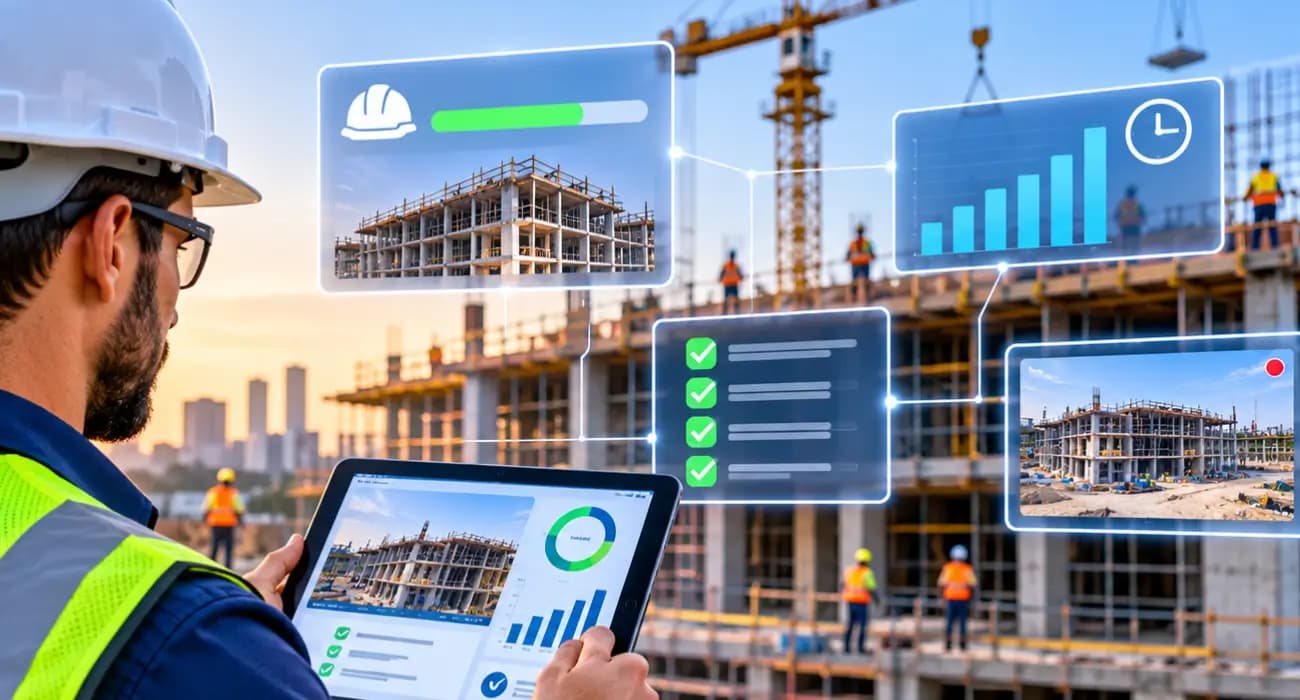
Most construction reports are history lessons.
The weekly owner update goes out on Friday and describes what happened last Monday.
The monthly cost report shows where the budget stood three weeks ago. By the time anyone reads about a problem, it's usually grown.
That's not because PMs are slow. It's because traditional reporting depends on someone gathering information from five places, cleaning it up, and sending it on.
That takes time, so reports come out late and get read even later.
Real-time reporting flips that. Instead of waiting for a report, the people who need to know see what's happening on the job as it happens. It sounds like a small change. On a real project, it changes a lot.
Here's what real-time reporting actually means, how it improves outcomes, and what to look for in construction reporting software.
What "Real-Time Construction Reporting" Actually Means on a Job Site
Real-time doesn't mean someone staring at a dashboard all day. It means information moves from the field to the office the same day it's created, not the same week.
The super logs today's progress, crews, and photos before leaving the site.
A failed inspection gets recorded when it happens, not when someone remembers. An invoice is coded to the right budget line when it comes in. RFIs and submittals show who has them and for how long.
When all of that lives in one system, the "report" is mostly already written. Anyone with access can see where the job stands without asking.
It also changes what a report is for. Instead of being the only way people find out what's happening, the weekly update becomes a summary of things everyone has already seen, plus the PM's take on what it means.
That's a much better use of a PM's time.
The Cost of Finding Out Late
Late information is expensive in ways that don't show up on a single invoice.
There's the time spent chasing it. A PlanGrid and FMI survey of nearly 600 construction leaders found team members spent about 5.5 hours a week just looking for project data. That survey is from 2018, but newer data isn't much better.
In Quickbase's 2025 Gray Work Report, construction teams said they lose more than 11 hours a week tracking down updates.
Then there's the cost of acting on old information. The same PlanGrid and FMI research linked 48% of U.S. rework to poor data and miscommunication, roughly $31.3 billion a year.
When people build from yesterday's understanding of the job, things get built twice.
You can also read: 8 Top Construction KPIs Every Project Manager Should Track
Six Ways Real-Time Reporting Improves Project Outcomes
1. Decisions happen while they still matter
A schedule slip caught on day two can be fixed with a phone call.
The same slip caught on day twelve might mean overtime, resequencing, or a tough conversation with the owner.
Real-time reporting gives PMs the first option more often.
2. Costs stay closer to budget
When expenses and invoices land against the budget as they arrive, overruns show up while they're small.
You see that the concrete line is trending 8% over after the second pour, not after the last one.
You can also read: How SuperConstruct Helps Construction Teams Stay on Schedule and Budget
3. Fewer delays from stuck paperwork
RFIs and submittals rarely look urgent until they are.
When everyone can see that a submittal has been sitting with the engineer for 12 days, it gets chased before the material order is late.
4. Owners trust you more
Owners and lenders hate surprises.
When they can see progress, photos, and budget status whenever they want, the monthly meeting stops being a reveal and becomes a discussion.
That trust often shows up in faster pay app approvals and smoother change order conversations.
You can also read: Construction Daily Log Software: Features & Benefits
5. Safer sites
Near misses and hazards logged the same day get addressed the same day.
Patterns, like repeated issues with one crew or one area of the site, become visible before someone gets hurt.
6. A better record when you need one
Delay claims and disputes come down to documentation made at the time. Disputes also drag on.
The 2025 Arcadis report, as covered by ENR, found North American construction disputes took about 12.5 months on average to resolve.
Real-time logs, photos, and approvals make those conversations far shorter.
You can also read: 8 Ways Digital Project Tracking Eliminates Construction Delays
It All Starts With the Construction Daily Log
If there's one habit that makes real-time reporting work, it's a good construction daily log.
The daily log is where most project information is born: what got done, who was on site, what the weather did, what went wrong.
If the log is filled in on a phone during the day, with photos, the rest of the reporting chain has something to work with.
If it's written from memory at 7 p.m., or not at all, everything downstream is guesswork.
That's why the best construction tracking software puts the daily log front and center and makes it fast. Five minutes on a phone beats twenty minutes on a laptop every time.
You can also read: 8 Ways Digital Project Tracking Eliminates Construction Delays
What It Looks Like in Practice
Take a three-story office build with a tight schedule.
On Tuesday afternoon, the super logs that the curtain wall crew only had four of their seven installers on site, with photos of the east elevation.
The PM sees it before she leaves for the day. She calls the curtain wall sub that evening and learns two of their guys were pulled to another job. They're back on Thursday.
Meanwhile, the owner's rep checks the project dashboard on Wednesday and sees the note, so there's no surprise at Friday's meeting.
The schedule shows the slip and its knock-on effect on interior framing, so the framing crew starts a day later instead of the whole team finding out the following week.
Nobody worked harder than usual. The information just moved faster.
Compare that with the old way, where the slip shows up in a weekly report the following Friday, the framing crew shows up to an area that isn't ready, and the owner hears about it last.
You can also read: Construction Project Tracking Software: Features and Benefits
What to Look for in Construction Reporting Software
A few things separate useful tools from ones that end up ignored.
- Field entry has to be fast. If supers won't use it, there's nothing to report on. Test the mobile app with a real superintendent before you buy.
- Progress and cost should be connected. Construction project tracking software that only shows schedules and photos leaves the money in a separate spreadsheet. Look for tools that tie progress to budgets and billing.
- Owners and lenders should be able to see what they need. Role-based access lets you share progress without handing out everything.
- Reports should be easy to pull. When the owner asks for a summary of last month, it should take minutes, not an afternoon.
- Pricing shouldn't punish sharing. Real-time reporting works best when everyone is in the system. Per-seat pricing can make that expensive quickly.
You can also read: How AI in Construction Management Automates Reporting and Project Updates
How SuperConstruct Supports Real-Time Reporting
In SuperConstruct, supers fill in construction daily logs from their phones with work completed, crews, weather, and photos, and the office sees each one as soon as it's saved. RFIs, submittals, and inspections each have an owner, a due date, and a status.
Because it's a finance-first platform, those field updates sit next to budgets, the schedule of values, change orders, and pay applications.
When progress moves, everyone can see what it means for cost and billing.
The SuperConstruct AI Assistant can also answer questions like "what's the status of the curtain wall on the Oak Street project?" in plain English, with sources, which is often faster than any report.
Pricing is a flat $299 per project per month with unlimited users, so owners, subs, and lenders can all be in the system.
You can also read: How SuperConstruct Tracks Construction Project Progress
Frequently Asked Questions
1. What is real-time construction reporting?
It means project information like progress, issues, and costs is recorded and shared the same day it happens, so the team and owner always see the current state of the job.
2. What is construction reporting software?
It's software that collects data from the field and office and turns it into reports and dashboards, so you don't have to build them by hand.
3. How does a construction daily log support real-time reporting?
The daily log captures most of what happens on site. When it's filled in during the day on a phone, it feeds progress, labor, and issue tracking in near real time.
4. Is construction project tracking software the same as reporting software?
They overlap. Tracking software records progress, issues, and costs. Reporting is what you do with that data, and most modern platforms handle both.
5. Does real-time reporting help with owners and lenders?
Yes. When owners and lenders can see current progress and budget status, there are fewer surprises, and approvals usually move faster.