How AI in Construction Management Automates Reporting and Project Updates
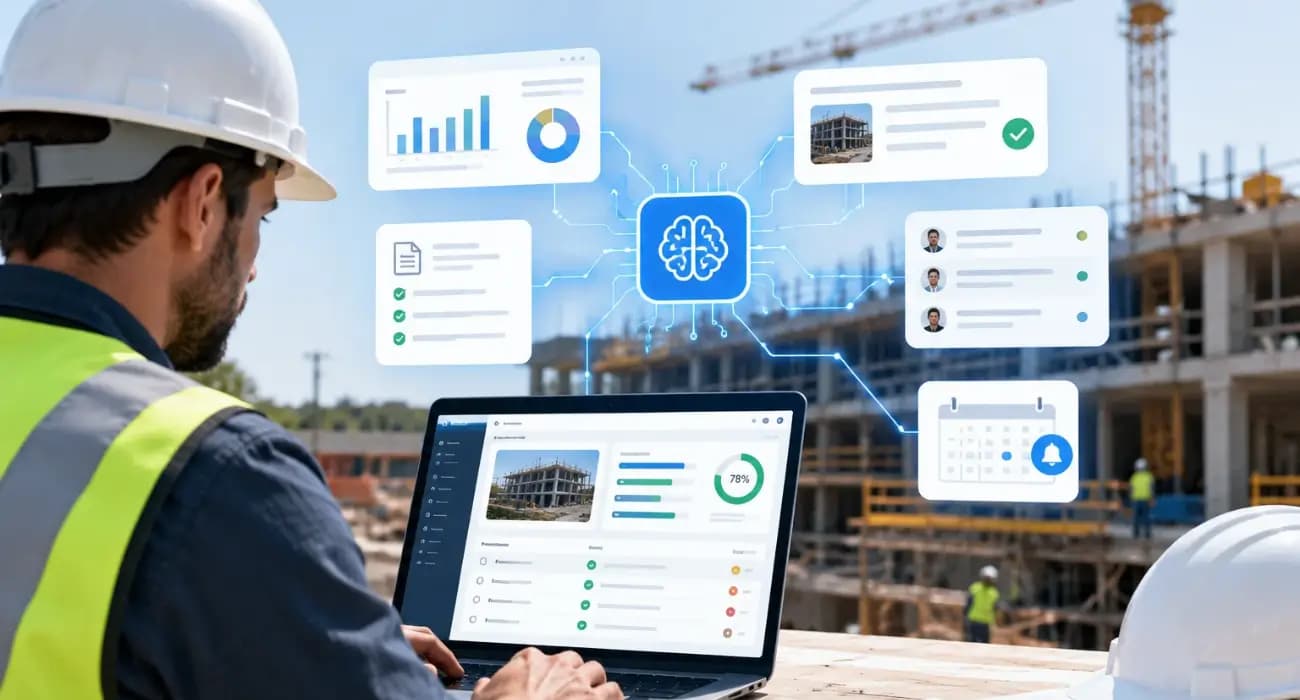
It's Friday afternoon, and the project manager is building the weekly owner report.
Progress notes come from the superintendent's texts. Photos are scattered across three phones.
Budget numbers live in the accounting system, open RFIs in a spreadsheet, and change order status in someone's inbox.
By the time it's all pulled together, formatted, and checked, half the afternoon is gone, and the report is already a few days out of date.
Multiply that by daily reports, cost updates, lender packages, and meeting minutes, and reporting quietly becomes one of the biggest time sinks on a project.
That's where AI construction reporting software is starting to make a real difference.
This guide explains how AI construction management software automates reporting and project updates, which reports it handles best, and where people still need to stay involved.
The Hidden Cost of Construction Reporting
Reporting isn't hard because the work is complex. It's hard because the information is scattered.
A PlanGrid and FMI survey of nearly 600 construction leaders found that team members spend about 5.5 hours a week just looking for project data and information.
More recent data points to the same conclusion.
In Quickbase's 2025 Gray Work Report, construction teams said they lose more than 11 hours a week tracking down updates.
Those are hours your PMs and project engineers could spend managing the work instead of describing it.
And with experienced PMs hard to hire, giving existing staff that time back is often the fastest way to add capacity.
You can also read: Construction Management Software for Commercial Projects: A Complete Guide
What AI Construction Reporting Software Does
AI construction reporting software reads the data your team already captures, such as daily logs, photos, budgets, RFIs, submittals, and change orders, and turns it into clear summaries and reports.
Instead of copying and pasting from five sources, a PM can ask for a weekly summary and get a draft in seconds.
Instead of digging through logs to answer an owner's question, they can ask the AI directly.
Contractors are already using AI this way. In the 2026 AGC and Sage Construction Hiring and Business Outlook, 45% of firms said they use AI for office and administrative functions, by far the most common use.
You can also read: 11 Features of the Best AI Construction Management Software
7 Reports and Updates AI Can Automate
1. Daily reports
Superintendents capture work completed, crews, weather, and photos from a phone.
AI can turn those entries into a clean daily report, highlight anything unusual, and send it to the office the same day.
Over time, those daily summaries also become a searchable history of the project, which is valuable when a delay claim or warranty question comes up months later.
2. Weekly owner and stakeholder updates
AI can pull progress, open issues, schedule changes, and budget status into a single draft update.
The PM reviews and edits it, rather than building it from scratch.
You can also read: Construction Management Software for Project Managers: A Practical Guide
3. Cost and budget reports
AI can summarize budget versus actual by line item, call out the items trending over, and explain what changed since the last report. That turns a spreadsheet exercise into a quick review.
That matters when prices are moving quickly.
A cost report that flags a 6% jump in a materials line this week gives the PM time to talk to the supplier or adjust the forecast before the next owner meeting.
You can also read: How AI Helps Prevent Construction Delays and Cost Overruns
4. Pay application support
Pay apps depend on accurate progress and complete documents.
AI can help assemble billing from the schedule of values, check for missing waivers or math errors, and flag issues before submission.
You can also read: Construction Payment Applications 101: Your Guide to Pay App Software
5. RFI and submittal status updates
Instead of manually updating a log, AI can list what's open, what's overdue, and who's holding each item. That's often the most useful part of a weekly meeting agenda.
It can also highlight overdue submittals tied to long-lead equipment, so they get attention before they affect the schedule.
You can also read: Construction Submittal Management Software: A Practical Guide
6. Safety reports
When site cameras are connected to AI video analytics, safety events such as fire, a worker down, or people too close to machinery can be logged and summarized automatically, giving safety managers a clear record without manual write-ups.
7. Instant answers to project questions
Not every update needs a formal report. Owners, executives, and team members often just need one answer: How much contingency is left? Which change orders are pending?
An AI assistant can answer from project data in plain English, with sources.
You can also read: How AI Agents Are Changing Construction Project Management
How AI-Generated Reporting Works in Practice
The workflow is simple:
- Capture once. The field and office enter information in one system as work happens.
- AI drafts. The software generates summaries, reports, and answers from that data.
- People review. The PM checks the draft, adds context, and corrects anything that's off.
- Share. The report goes to the owner, lender, or team, often the same day.
The time savings come from removing the gathering and formatting steps, which are usually the slowest parts.
Before and After: One Week of Project Updates
- Before AI, a PM on a mid-size commercial job might spend Monday morning reconciling last week's daily logs, Wednesday afternoon updating the RFI and submittal logs for the OAC meeting, Thursday pulling cost data for the monthly forecast, and most of Friday writing the owner report. Each task means opening several systems, copying numbers, and checking them by hand.
- With AI, the same PM opens the project on Monday and asks for a summary of last week. The RFI and submittal status for Wednesday's meeting is generated in a minute. Thursday's cost review starts from an AI summary that already highlights the three lines trending over. Friday's owner report is a draft that needs 20 minutes of review and a few added notes.
The PM is still responsible for every report. The difference is that their time goes into judgment and communication, not data gathering.
You can also read: Excel vs AI Construction Management Software: What’s the Real Cost?
Benefits of AI in Construction Management Reporting
- Hours back every week. Early adopters report real time savings. In Bluebeam's 2026 AEC Technology Outlook, nearly half of firms using AI said they had saved 500 to 1,000 hours. (Bluebeam sells AEC software, and the figures cover early adopters.)
- More current updates. Reports reflect today's data, not last week's.
- More consistent reporting. Every project gets the same structure, which makes reviews faster for owners and executives.
- Earlier warnings. AI can surface cost or schedule issues in a report before anyone thought to ask.
- Less burnout. PMs spend less of their week on paperwork and more on the job.
Best Practices and Limits of AI in Construction Management
Always review before sending. AI drafts are a starting point. A PM should check facts and add the context only they know.
Feed it good data. If daily logs are skipped or costs are entered late, reports will be incomplete. Make field capture easy and expected.
Start with one report. The weekly owner update is usually the best first target, since it pulls from every part of the project.
Keep sources visible. Choose tools that show where each number or statement came from, so reviewers can verify quickly.
How SuperConstruct Automates Reporting and Updates
SuperConstruct keeps financial and field data in one platform, which is what makes AI reporting work.
Budgets, the schedule of values, change orders, pay applications, lien waivers, daily logs, RFIs, submittals, and inspections all live together.
On top of that, the SuperConstruct AI answers questions about any project in plain English with cited answers, so a PM can pull a status summary or answer an owner's question in seconds.
AI-assisted pay applications help produce cleaner AIA billing, and AI video analytics log safety events from site cameras.
Pricing is a flat $299 per project per month with unlimited users, so everyone who contributes data can be in the system.
You can also read: 9 Ways SuperConstruct Improves Construction Project Management
Frequently Asked Questions
1. How is AI used in construction management reporting?
AI reads project data such as daily logs, budgets, and RFIs, and turns it into draft reports, summaries, and answers that a project manager reviews before sharing.
2. What is AI construction reporting software?
It's software that uses AI to generate construction reports and project updates automatically from data your team already captures.
3. Can AI write daily construction reports?
Yes. AI can turn field entries, photos, and crew data into a clean daily report, though a superintendent or PM should still review it.
4. Is AI-generated reporting accurate?
It's only as accurate as the data behind it. Tools that cite their sources and a quick human review keep reports reliable.
5. What should I look for in AI construction management software?
Look for one system that holds both financial and field data, AI answers with cited sources, easy mobile data capture, and pricing that lets your whole team participate.


