Construction Management Software for Commercial Projects: A Complete Guide
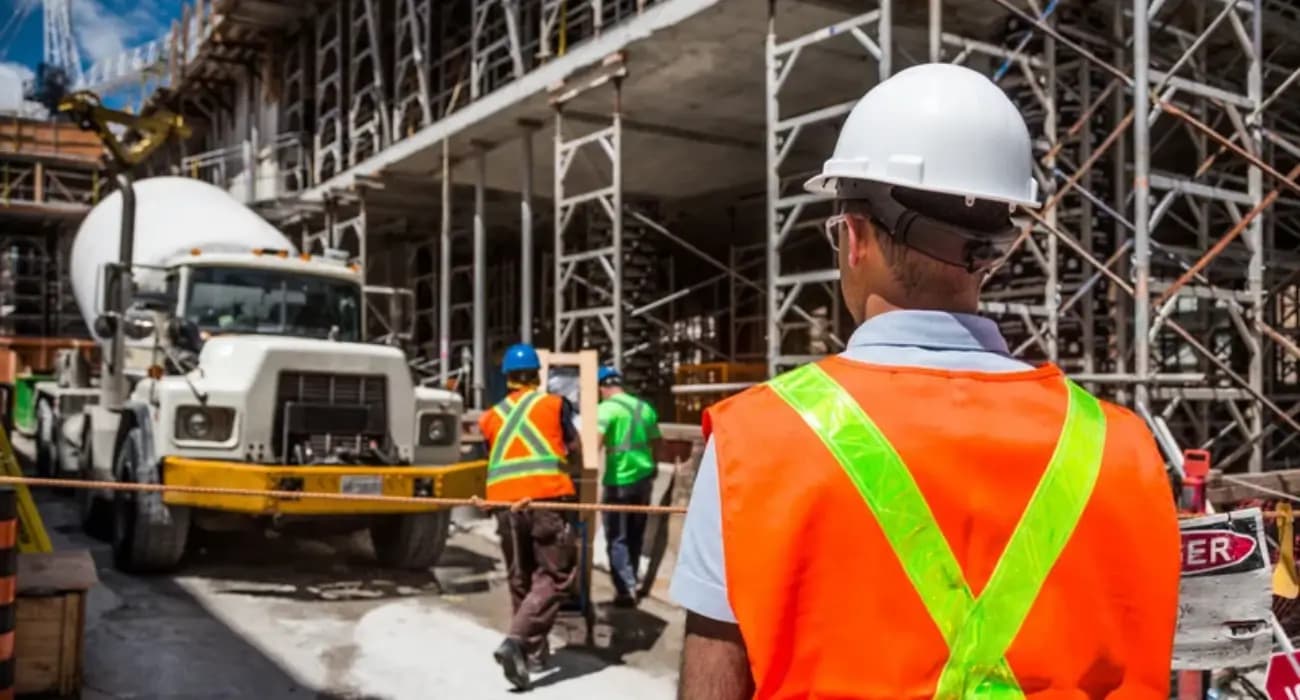
Residential jobs have their own headaches. Commercial jobs multiply them.
A mid-size office build or tenant improvement can involve an owner's rep, a lender, an architect, a dozen engineers and consultants, and 20 or more subcontractors.
Every month there's an AIA pay application to submit, a stack of lien waivers to collect, and a lender inspector who wants proof the work is done.
Add hundreds of RFIs and submittals, long-lead equipment, and change orders flowing in both directions, and it's easy to see why spreadsheets and email stop working.
The market is big and moving fast. According to NAHB's analysis of Census Bureau data, private nonresidential construction spending ran at a seasonally adjusted annual rate of $773 billion in August 2026, with data center spending up 73.2% from a year earlier.
This guide covers what makes commercial work different, which features matter most in construction management software for commercial contractors, and how to choose the right platform.
What Makes Commercial Construction Different
Commercial projects aren't just bigger versions of residential jobs. A few things set them apart:
- Formal billing. Most commercial work is billed monthly on AIA G702/G703 pay applications built from a schedule of values, with retainage held until closeout.
- Lender and owner oversight. Draws often require lien waivers, inspection sign-offs, and backup documentation before funds are released.
- Many subcontractors. The GC manages contracts, billing, compliance, and payments for every trade.
- Heavy documentation. RFIs, submittals, inspections, and change orders run into the hundreds on a single job.
- Higher dispute risk. The 2025 Arcadis disputes report, as covered by ENR, put the average U.S. construction dispute at $60.1 million, with North American cases taking about 12.5 months to resolve. (That average is pulled up by very large projects.)
Construction software for commercial construction has to handle all of this, not just scheduling and photos.
What Is Construction Management Software for Commercial Contractors?
It's a platform that brings a commercial project's financial, field, and document workflows into one system.
Instead of a billing spreadsheet, a waiver tracker, an RFI log, and a shared drive, everyone works from one live record.
The best commercial contractor software connects these pieces.
When a change order is approved, the contract value, budget, and next pay app all update together.
You can also read: What Is Construction Management Software and How Does It Work?
Key Features of Construction Software for Commercial Construction
1. Schedule of Values and AIA Pay Applications
The schedule of values is the backbone of commercial billing.
Software should generate G702/G703 pay apps from it each month, roll up subcontractor billing, and track retainage automatically.
Getting this right matters for cash flow. Rabbet's 2024 Construction Payments Report estimated that slow payments cost the U.S. construction industry $280 billion that year.
You can also read: Construction Payment Applications 101: Your Guide to Pay App Software
2. Change Order Management
Commercial change orders move in two directions: from the owner to the GC, and from the GC to subs.
The construction change order management software should track each one from request to pricing to approval, and update both the prime contract and the affected subcontracts.
You can also read: 6 Change Order Challenges & How SuperConstruct Helps in Managing Them
3. Lien Waivers and Insurance Compliance
Lenders won't release a draw without the right waivers.
Look for automated waiver requests tied to each payment, plus tracking for certificates of insurance with expiration alerts.
You can also read: Complete Guide to Construction Lien Waivers
4. Subcontractor Billing and Payments
Subs should be able to submit their pay apps in the system, so the GC can review them against the schedule of values and pay through secure ACH once funds arrive.
A GC that pays reliably attracts better subs and sharper bids.
You can also read: Pros and Cons of Various Commercial Construction Billings
5. RFIs, Submittals, and Long-Lead Tracking
On commercial jobs, a stalled submittal can hold up equipment for months.
Medium voltage switchgear, for example, now takes roughly 52 to 80 weeks to arrive, according to procurement data from Terrapin Construction Group.
Every construction RFI and submittal needs an owner, a due date, and a status everyone can see.
You can also read: What Is an RFI in Project Management?
6. Daily Logs and Inspections
Superintendents need to log progress, manpower, weather, and photos from a phone. Those records support pay apps, satisfy lender inspectors, and protect you in delay claims.
Inspections belong in the same place.
When a failed inspection is logged with photos, a responsible trade, and a re-inspection date, it gets closed out instead of resurfacing on the punch list.
You can also read: 8 Types of Inspections in Construction Management
7. Document Control and E-Signatures
Drawings, specs, contracts, and permits change constantly.
Central storage with version control keeps the field working from the current set, and e-signatures speed up approvals.
At closeout, the same system makes it far easier to hand over as-builts, warranties, and O&M manuals to the owner.
You can also read: 7 Best Practices for Construction Document Management
8. Reporting and AI Assistance
Owners and lenders want regular, accurate reports on progress, budget, and risk.
Dashboards help, and AI tools can now answer project questions or summarize status in plain English, cutting hours of report prep.
You can also read: How AI Helps Prevent Construction Delays and Cost Overruns
A Monthly Draw, With and Without Construction Management Software
The monthly pay application is where commercial contractor software proves its value fastest.
- Without software, the project accountant emails 18 subs for their pay apps, then waits. Some come in as PDFs, some as spreadsheets, a few not at all. Each one gets checked by hand against the schedule of values. The GC's G702/G703 is rebuilt in Excel, and someone starts chasing conditional waivers. The lender's inspector asks for photos of completed work, so the PM digs through phones and email. If one number is off, the owner's rep sends the package back and the clock restarts.
- With software, subs submit pay apps directly against their line items. The PM reviews percentages against daily logs and photos already in the system. The G702/G703 rolls up automatically, waiver requests go out with each payment, and missing documents are flagged before submission. The lender gets a complete package with backup attached.
The work hasn't changed. What changes is how many days it takes, how many errors slip through, and how quickly the money arrives.
You can also read: 5 Best Construction Project Management Software
5 Benefits of Commercial Contractor Software
- Faster draws. Accurate pay apps with waivers attached get approved on the first submission.
- Protected margins. Real-time budget tracking and signed change orders stop costs from slipping through.
- Fewer delays. RFIs and submittals move faster when everyone can see what's open.
- Stronger records. Every approval, log, and document is in one audit trail if a dispute comes up.
- More capacity. With hiring this tough, automation helps a lean team handle more projects. In the 2025 AGC and NCCER Workforce Survey, 92% of contractors said they had trouble filling open positions.
You can also read: 5 Best Construction Software for General Contractors in 2026
How to Choose Construction Management Software for Commercial Contractors
- Start with billing. Ask vendors to walk through a full monthly cycle on your own forms: sub pay apps, the GC's G702/G703, waivers, and payments.
- Test field adoption. Have a superintendent fill in a daily log on their phone during the demo.
- Check pricing for large teams. Commercial jobs involve many outside users. Per-seat pricing gets expensive once you add subs, owners, and lenders.
- Ask about setup and support. Find out how long implementation takes and who does the configuration.
- Look for connected data. Separate tools for billing, field, and documents recreate the same silos you're trying to escape.
You can also read: 11 Features of the Best AI Construction Management Software
How SuperConstruct Supports Commercial Construction Projects
SuperConstruct is a finance-first platform built for the way commercial projects actually run.
The schedule of values drives AI-assisted AIA G702/G703 pay applications, change orders update the contract automatically, and lien waivers, COI tracking, and ACH payments sit in the same system.
In the field, teams use daily logs, RFIs, submittals, and inspections from a phone.
The SuperConstruct AI answers questions about any project in plain English, and AI video analytics flag safety events from site cameras.
Pricing is a flat $299 per project per month with unlimited users, so you can bring every sub, owner's rep, and lender into the platform without counting seats.
You can also read: Construction Payment Applications 101: Your Guide to Pay App Software
Frequently Asked Questions
1. What is construction management software for commercial contractors?
It's software that manages a commercial project's billing, change orders, compliance, subcontractors, field reporting, and documents in one connected system.
2. How is construction software for commercial construction different from residential software?
Commercial software focuses on AIA pay applications, schedules of values, retainage, lien waivers, lender draws, and managing many subcontractors, which residential tools often don't handle well.
3. What features should commercial contractor software have?
Schedule of values, AIA pay apps, change orders, lien waivers and COI tracking, sub payments, RFIs and submittals, daily logs, document control, and reporting.
4. Can commercial contractor software help with lender draws?
Yes. Pay apps built from the schedule of values, with waivers and backup attached, make lender reviews faster and reduce rejections.
5. How much does construction management software for commercial contractors cost?
Pricing varies widely. Some platforms charge per user or by construction volume, while others, like SuperConstruct, charge a flat fee per project with unlimited users.


