Construction Management Software for General Contractors: Features, Benefits & Use Cases
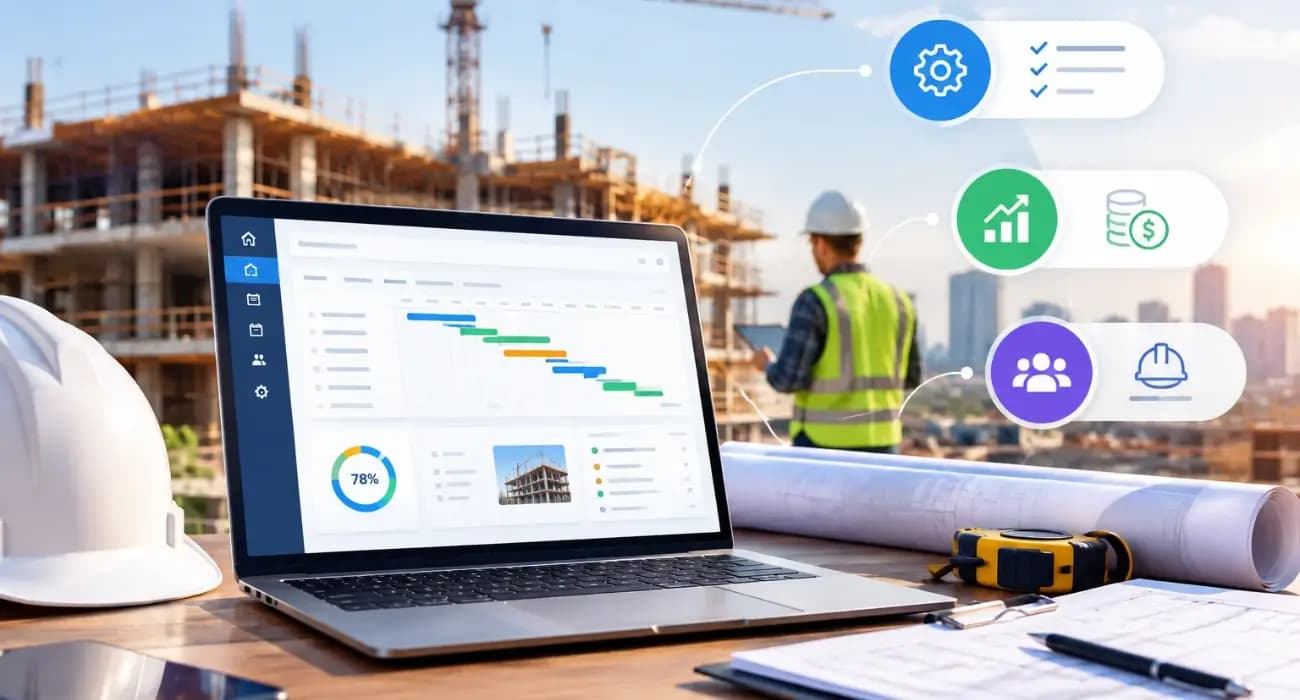
Ask a general contractor what keeps them up at night, and the answers rarely involve the actual building.
It's the pay app the owner's rep kicked back over one wrong line item. The electrical sub threatening to pull their crew because last month's payment is still "in process."
The change order everyone agreed to on site, which nobody signed, and which is now a $40,000 argument.
A GC sits in the middle of everything: the owner and lender above, a dozen or more subs below, and the field and the office pulling in different directions. Most of that coordination still runs on spreadsheets, email chains, and phone calls.
And there are fewer people to carry the load. In the 2025 AGC and NCCER Workforce Survey of nearly 1,400 firms, 92% of contractors said they were having a hard time filling open positions, and the association called workforce shortages the leading cause of project delays.
When you can't simply hire more project engineers and accountants, the admin work has to get faster. That is where construction management software for general contractors comes in.
Below we cover the features that matter, the benefits you can expect, and how GCs use it on real jobs.
Why General Contractors Need Construction Management Software
A GC's job is different from an owner's or a sub's. You carry the prime contract, you manage the money flowing down to every trade, and you are accountable for the paperwork that keeps it all legal and lendable.
That makes payment speed a GC problem. Rabbet's 2024 Construction Payments Report estimated that slow payments cost the U.S. construction industry $280 billion that year, about 14% of total construction spending.
In the same survey, 82% of contractors reported waiting more than 30 days to get paid, and 97% of GCs said they had raised bid prices to cover delays and financing costs. (Rabbet sells construction finance software, so read the figures as a strong signal rather than a neutral census.)
Paperwork errors also turn into disputes.
The 2025 Arcadis Global Construction Disputes Report , as covered by ENR, put the average U.S. construction dispute at $60.1 million, with North American disputes taking about 12.5 months to resolve.
That average is pulled up by a few very large cases, but the leading cause is ordinary: errors and omissions in contract documents.
Good construction software for general contractors attacks both problems by keeping contracts, approvals, billing, and field records in one place.
You can also read: What Is Construction Management Software and How Does It Work?
Key Features of Construction Management Software for General Contractors
1. Schedule of Values and Real-Time Job Costing
Everything a GC bills starts with the schedule of values. When it lives in the same system as your budget and expenses, you can compare estimated, budgeted, contracted, and actual costs by line item while the job is still running.
That is the difference between catching a concrete overrun in week four and discovering it at closeout.
You can also read: How SuperConstruct Helps Construction Teams Stay on Schedule and Budget
2. Pay Application Software
Building an AIA G702/G703 by hand each month, then rolling up every sub's pay app into it, is where errors creep in. One wrong number and the owner sends it back.
Construction pay application software generates the pay app from your schedule of values, rolls up sub billing, and checks that required documents are attached before it goes out.
You can also read: Construction Payment Applications 101: Your Guide to Pay App Software
3. Change Order Management
Change orders sit between the owner and your subs, so a GC has to manage both directions.
The change order management software should let you log the request, price it, route it for approval, and update both the prime contract and the affected subcontract once it is signed.
A clear approval trail is your best protection when a dispute shows up months later.
You can also read: 6 Types of Change Orders in Construction
4. Lien Waivers and COI Compliance
Before a draw is released, the owner and lender want conditional and unconditional waivers from every sub, plus current certificates of insurance.
Lien waiver software sends requests, tracks who has responded, and flags expired COIs, so one missing document doesn't hold up the whole draw.
You can also read: Complete Guide to Construction Lien Waivers
5. Subcontractor Payments
Once the owner pays you, the money has to move to your subs.
When ACH payments sit next to the approved pay app and the matching waiver, you have one record instead of three, and subs get paid sooner.
A GC known for paying promptly gets better crews and better pricing.
6. Field Daily Logs, RFIs, Submittals, and Inspections
Your superintendent's daily log is the record you will rely on in a delay claim. On a phone, with photos and a few taps, it actually gets filled in.
RFIs , submittals , and inspections belong in the same place, each with an owner and a due date, so an unanswered question is visible before it stalls a phase.
This matters because PlanGrid and FMI's survey of nearly 600 construction leaders found poor project data and miscommunication were behind 48% of rework in the U.S., about $31.3 billion a year.
You can also read: 8 Ways Digital Project Tracking Eliminates Construction Delays
7. Document Management and E-Signatures
Contracts, drawings, permits, and submittals pile up quickly on a commercial job.
Central storage with version control means the field builds from the current set. E-signatures turn a week of chasing signatures into a same-day approval.
You can also read: 7 Best Practices for Construction Document Management
8. AI Site Safety and Project Answers
As the GC, site safety is ultimately on you.
The Bureau of Labor Statistics recorded 1,034 construction worker deaths in 2024, roughly one in five U.S. workplace fatalities.
Video analytics connected to site cameras can flag events like fire, a worker down, or people too close to machinery, and send alerts to one dashboard.
AI also helps in the office. Asking a copilot "what's still open on the Level 3 change orders?" and getting a cited answer beats digging through three folders.
You can also read: 11 Features of the Best AI Construction Management Software
Benefits of Construction Software for General Contractors
- Faster billing and faster cash. Cleaner pay apps get approved on the first submission, which shortens the gap between doing the work and getting paid.
- Protected margins. Real-time cost tracking and signed change orders stop unbilled work from leaking out of the job.
- Fewer disputes, and better defenses. When approvals, logs, and messages share one audit trail, a claim becomes a report you pull instead of a month of digging.
- More work with the same team. With hiring this hard, automating admin is how a GC takes on another project without adding another coordinator. Contractors seem to agree: in the AGC's 2025 survey analysis , 45% expected robotics and AI to help by automating manual, error-prone tasks.
You can also read: How to Manage Construction Projects Without Spreadsheets
Use Cases: How GCs Put General Contractor Software to Work
The Monthly Draw
Subs submit pay apps in the system, the PM reviews them against the schedule of values, waivers are collected automatically, and the GC's G702/G703 is generated with the lender's requisition report. What used to take a week takes a day or two.
A Mid-Project Owner Change
The owner asks to upgrade the lobby finishes. The GC prices it with the affected subs, sends one change order for e-signature, and the contract value, budget, and subcontracts update together.
A Delay Claim
Six months later, the owner disputes a schedule extension. Daily logs with dated photos, the open RFI history, and the approval trail are already in one place.
A Busy Superintendent
A super running two jobs logs progress, manpower, and photos from a phone in five minutes. The office sees it right away instead of on Friday.
You can also read: 5 Best Construction Software for General Contractors in 2026
How SuperConstruct Works as Construction Software for General Contractors
We built SuperConstruct as a finance-first platform because, for a GC, the field, the paperwork, and the money are one workflow.
On the financial side, that means schedule of values , AI-assisted pay applications on AIA G702/G703 forms , change orders, automated lien waivers , COI tracking, ACH payments , and expense management .
On the operations side, you get field daily logs , RFIs, submittals, inspections, Gantt scheduling, e-signatures, AI video analytics for site safety, and an AI Copilot that answers project questions in plain English.
Pricing is a flat $299 per project per month with unlimited users, so you can bring in every sub and owner's rep without counting seats. And we configure each customer's workflow around how they already run jobs.
You can also read: 9 Ways SuperConstruct Improves Construction Project Management
How to Choose General Contractor Software
Start with the money flow. Ask each vendor to walk through a full pay app cycle, from sub billing to waiver collection to payment, using your forms.
Put a superintendent in the demo and have them fill in a daily log on their phone. Their reaction will tell you more than the feature list.
Check how pricing scales. Per-seat pricing gets expensive once you add subs, owners, and lenders.
Finally, ask about setup: how long it takes, who does the work, and what support looks like in month two.
You can also read: Construction Management Software for Project Managers: A Practical Guide
Frequently Asked Questions
1. What is construction management software for general contractors?
It is a platform that lets GCs manage budgets, pay applications, change orders, lien waivers, sub payments, field reporting, and documents in one place instead of across spreadsheets and email.
2. What features should general contractor software have?
Start with the features tied to cash flow and risk: schedule of values, pay apps, change orders, and lien waivers. Mobile daily logs, RFIs, and document management come next.
3. Is construction software for general contractors worth it for smaller GCs?
Yes. Smaller GCs often benefit most, because they can take on more projects without adding office staff.
4. Can construction management software help general contractors get paid faster?
It can. Pay apps built from the schedule of values, with waivers and compliance documents already attached, are less likely to be sent back by the owner or lender.
5. How long does it take to set up construction management software for general contractors?
It depends on how much configuration your workflow needs. Ask any vendor for a realistic timeline and what onboarding support is included.


