10 Features of Construction Management Software for Home Builders
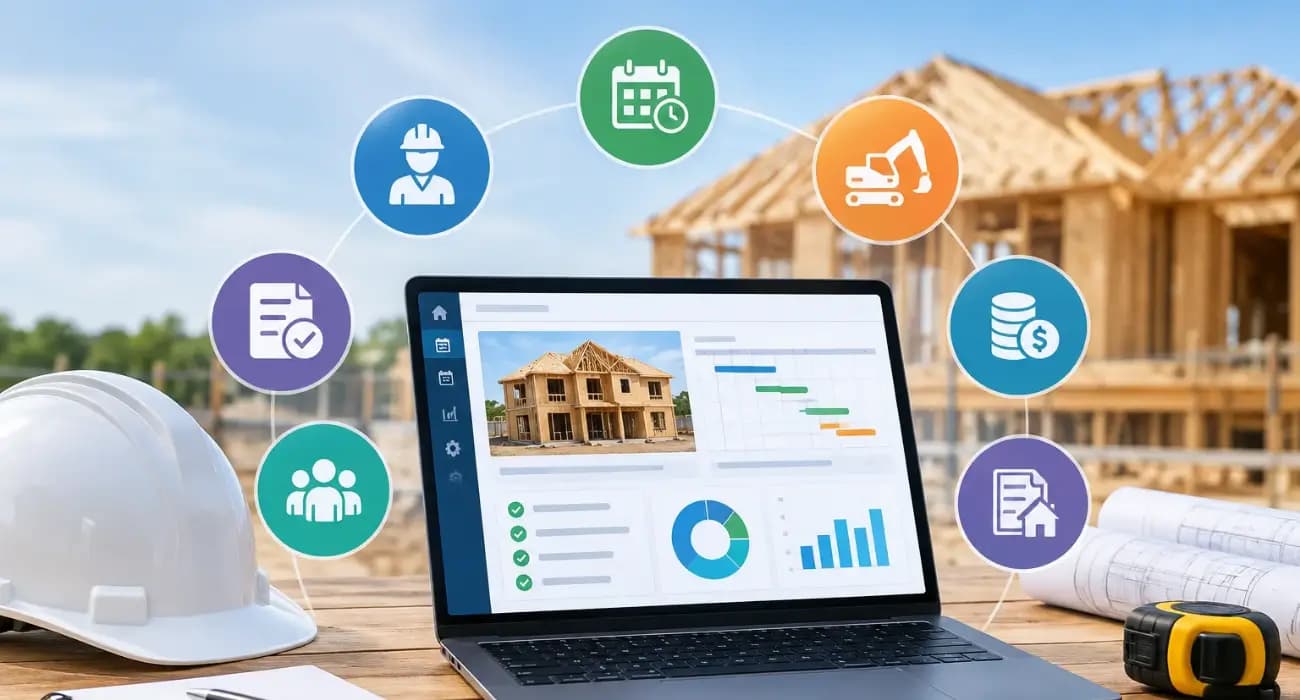
Ask a home builder what a bad week looks like, and you'll hear the same handful of stories. A framing crew showed up before the slab was cured.
The lender's draw got kicked back because one lien waiver was missing. A homeowner swears they never approved the upgraded cabinets, and the only "approval" is a text message from three weeks ago that nobody can find.
None of this means builders are disorganized. Most are juggling several houses at once, each with its own budget, lender, and a dozen trades moving in and out. Spreadsheets and group texts can carry that load for a while. Then they can't.
The cost of that disorganization is measurable. A PlanGrid and FMI survey of nearly 600 construction leaders found that team members spend more than 14 hours a week on avoidable problems, including about 5.5 hours hunting for project data, almost 5 hours on conflict resolution, and 4 hours on rework.
The researchers put the annual labor cost in the U.S. alone at $177.5 billion. (The survey dates from 2018 and covers construction broadly, not only homebuilding, but the pattern will look familiar to most builders.)
That is why more builders are looking at construction management software for home builders .
The catch is that much of what's on the market was designed for commercial contractors or generic project teams, and it shows the first time you push a real residential job through it.
Below is what we think matters, and why.
Why Home Builders Need Construction Management Software
Homes get built in a very particular way. The sequence is tight, and one late inspection can push everything behind it. Money arrives in stages, usually tied to lender draws, so paperwork directly controls cash flow.
There are more subs and suppliers per project than people expect. And the buyer is emotionally invested, so communication and change management carry extra weight.
Speed matters too. According to the Census Bureau's Survey of Construction, as summarized by NAHB's Eye on Housing , single-family homes built for sale took an average of 7.4 months from permit to completion in 2025.
In a window that short, a few days lost to a missed approval or a slow draw is a real percentage of the job.
No two builders run the business quite the same way, either. A custom home builder doing six homes a year and a production builder repeating a floor plan across a community have different approval chains, billing structures, and opinions about who should see what.
Good construction software for home builders has to bend around that without becoming a six-month IT project.
You can also read: What Is Construction Management Software and How Does It Work?
10 Features of Construction Management Software for Home Builders
1. Construction Scheduling Software Everyone Can Actually See
A Gantt-style schedule sounds basic, but it's where many problems get prevented.
When you can see that drywall depends on rough-in inspections, which depend on the electrician finishing, you catch the conflict on Monday instead of Thursday.
The real test is whether your trades can see it too. If the schedule lives only in the office, you'll spend half your day answering "when do you need us?" calls.
2. Budget Tracking and Schedule of Values
Most builders know roughly what a house should cost. The trouble is finding out what it's costing right now, while you can still act.
A schedule of values breaks the contract into line items so you can see what's been billed and what's left.
Add expense tracking, and you can compare planned against actual by phase. If lumber ran over on the framing package, you'd rather know in week three than at closeout.
You can also read: How SuperConstruct Helps Construction Teams Stay on Schedule and Budget .
3. Change Order Management
Changes aren't the problem. Homeowners change their minds and dirt surprises everyone.
The problem is work that starts before the price is agreed and signed. Software should let you log the request, price it, send it for approval, and update the contract value once it's approved, all in one trail.
It protects your margin and settles arguments before they start.
You can also read: 6 Types of Change Orders in Construction .
4. Pay Applications and Construction Draw Management
If you've built an AIA G702/G703 pay application by hand, you know how long it takes and how easy it is to get a number wrong.
A mistake means the lender sends it back and funding slips.
The better platforms build the pay app from your schedule of values, check that required documents are in place, and produce the reports your bank wants, such as a requisition report.
For a builder living on draws, this feature alone can justify the switch.
Payment speed is a sector-wide problem.
In a September 2022 survey by construction finance company Rabbet, reported by Construction Dive , 49% of subcontractors said they waited 30 days or more to get paid, and 37% of respondents said late payments had caused delays or work stoppages.
Some contractors said they raised bids by 5% to 10% to cover the cost. (The sample was small, 137 respondents, and mixed general contractors and subs, so treat it as a directional signal rather than an industry average.)
You can also read: Construction Payment Applications 101: Your Guide to Pay App Software .
5. Lien Waiver Software
Nobody enjoys chasing lien waivers, and nobody can skip them.
Doing it manually means emailing every sub, keeping a spreadsheet of who's responded, and hoping you attach the right one to the right payment.
Automating the request and tracking is one of those changes where a team wonders why it took so long to make.
You can also read: Complete Guide to Construction Lien Waivers .
6. Paying Subs and Suppliers From the Same Place
Once a pay app is approved, the money still has to get out the door.
When ACH payments sit in the same system as the approval and the waiver, there's one record instead of three, and subs get paid faster.
Given the payment delays above, being the builder who pays promptly is a real advantage when you need a crew to squeeze you in.
You can also read: What is Supply Chain Management in Construction?
7. Mobile Daily Logs From the Job Site
Superintendents are busy, and a daily log that takes twenty minutes on a laptop at night won't get filled in.
On a phone, with photos and a couple of taps, it will. Those logs are quietly valuable: they show progress, back up your side of a delay claim, and answer warranty questions two years later.
The gap between owning mobile devices and using them well is wide.
The same PlanGrid and FMI research found that more than 75% of respondents provide mobile devices to field teams, yet fewer than one in five companies consistently use apps for more than basic communication.
You can also read: 8 Ways Digital Project Tracking Eliminates Construction Delays .
8. RFIs, Submittals, and Inspections
Questions for the architect, product approvals, and inspection results tend to go missing in email.
Keeping them in one place, each with an owner and a due date, means an unanswered RFI is visible instead of silently holding up a phase.
You can also read: What are RFI, RFQ, and RFP in Project Management?
9. Document Management and E-Signatures
Plans, permits, contracts, selections, insurance certificates.
Every house generates a small mountain of them, and the current version is always the one you can't find. Central storage fixes that.
E-signatures fix the other half, because a contract or change order that used to take days of phone tag can be signed by lunch.
Data quality matters more than it sounds.
In a 2020 study of more than 3,900 professionals, Autodesk and FMI estimated that bad data cost the global construction industry $1.85 trillion, and 30% of respondents said more than half of their project data is bad.
You can also read: 7 Best Practices for Construction Document Management .
10. Messaging, Approvals, and Role-Based Access
When project conversations live inside the project, they can be found later.
Just as important is control: a homeowner shouldn't see your sub pricing, a sub shouldn't see the whole budget, and a lender needs a very specific slice.
Role-based permissions plus an audit trail of who approved what gives you that, and makes life easier if anyone ever questions a decision.
You can also read: How to Manage Construction Projects Without Spreadsheets .
What Separates Good Home Builder Construction Software from Great
- It works on a phone. If your field team avoids it, the data will be incomplete, and the whole thing becomes an expensive filing cabinet. Ask to see the mobile app, not just the desktop demo.
- The automation is real. Most home builders are still early with AI. In NAHB's July 2025 Housing Market Index survey , only 20% of builders used AI for marketing materials and 11% for market analysis or project planning, with fewer than 5% using it for each of ten other business functions. That leaves a lot of room for practical automation: pay apps that assemble themselves, documents that get sorted and read for you, missing paperwork flagged before a draw goes out.
- It bends to your process. If a platform forces you into its way of working, your team will quietly go back to spreadsheets. Ask how much of your approval flow and billing setup can be configured, and how much requires a custom project.
- Your records are audit-ready. Lender reviews, insurance questions, buyer disputes. When approvals, waivers, logs, and messages are all in one place, these become a matter of pulling a report instead of a week of digging.
You can also read: 11 Features of the Best AI Construction Management Software .
How SuperConstruct Works as Construction Software for Home Builders
We built SuperConstruct around a simple idea: on a construction project, the field, the paperwork, and the money are one workflow, and they shouldn't live in separate tools.
On the financial side, that means AI-assisted pay applications on AIA G702/G703 forms , schedule of values , change orders and change requests, pay app compliance checks, automated lien waivers , ACH payments , expense management , and bank requisition reports for draws.
On the operations side, you get field daily logs with photos and videos, RFIs , submittals , inspections and quality checks, Gantt scheduling, approval routing, e-signatures, messaging, calendars, and to-do lists.
Documents are stored in one place with role-based permissions and a full audit trail.
We also know that home builders don't all work alike, so we set up each customer's workflow with modules built around how they operate, rather than asking them to adjust to us.
Whether you run a small custom shop or manage multiple communities, we'd rather start with how you work today and shape the software to match.
You can also read: 9 Ways SuperConstruct Improves Construction Project Management .
How to Choose Residential Construction Management Software
Before you sign anything, run through these.
- Write down how a job really moves. Start with signed contract to closeout. Who approves what? How do you build a draw? How do subs get paid? Then see whether each vendor can follow that path without contortions.
- Put the money flow first. Draws, waivers, change orders, and payments are where delays and risk pile up. A tool with a beautiful schedule and a weak billing engine won't fix your real headache.
- Get a superintendent involved in the demo. Have them fill in a daily log on their phone. If they shrug and say it's fine, that's a good sign. If they sigh, listen to that too.
- Ask plain questions about setup. Find out how long setup takes, who does the work, how your existing data comes across, and what happens when you get stuck in month two.
- Think about who you're partnering with. Especially with newer platforms, a team that will listen and build with you can matter as much as whatever is on the feature list today.
You can also read: Construction Management Software for Project Managers: A Practical Guide .
Frequently Asked Questions
1. What is construction management software for home builders?
It's a system that lets residential builders handle scheduling, budgets, change orders, draws and payments, documents and field reporting in one place, instead of across spreadsheets, email and text messages.
2. Which features of construction management software for home builders matter most?
It depends on where your pain is, but draws, lien waivers, and change orders are a good place to start because they hit cash flow and risk directly. Scheduling and mobile daily logs come next.
3. Is construction management software only worth it for big builders?
No. Smaller builders often see the biggest change because they can stop adding admin hours as they take on more homes. What matters is finding something that fits how your team works.
4. Can construction project management software for home builders help with lender draws?
Yes. Generating the pay application from your schedule of values, checking documents, collecting waivers, and producing the lender's reports removes most of the back-and-forth that slows a draw.
5. How long does it take to get set up with construction management software for home builders?
It varies with how much needs configuring. Ask any vendor for a real timeline and find out what support is included.


